Coming soon · Release date: November 13, 2026
UpdatedWarrior Quest Chest Guide: Locks, Traps, and Loot Tips
Every Warrior Quest chest is a dice roll. Learn how locked and trapped chests work, when to smash or pick a lock, and how rerolls save your best loot.
Jump to
How Chests Work in Warrior Quest
Cracking open a Warrior Quest chest is never just a click-and-collect moment. It's a dice check, a risk, and sometimes a negotiation. Chests can hold anything from health potions to a pouch of experience, so knowing how each type works keeps you alive and stocked.
Since Demo Update 1.11 (October 18, 2026), chest checks get their own clearer dice-roll cards, the same style used for conversations, traps, and road encounters. Locked-chest cards now show the method you picked, the difficulty, and how many lockpicks you have left. All of that helps you decide before you commit.
The basics:
- Press Space or Enter to open a chest. Since Update 1.3, Enter mirrors Space for chests, resting, praying, stairs, and rolling.
- Simple chests open right away and drop their contents into your inventory. The tutorial dungeon's large chest, for example, hands you a health potion.
- Locked, trapped, and guarded chests all bring a roll or an encounter into play first.
- Hover over loot names to preview an item's description and stats before you decide what to keep. This feature was added in Update 1.4.
Locked Chests: Pick or Smash
Bound, locked chests give you a choice of approach, and the roll card shows the difficulty for the method you choose.
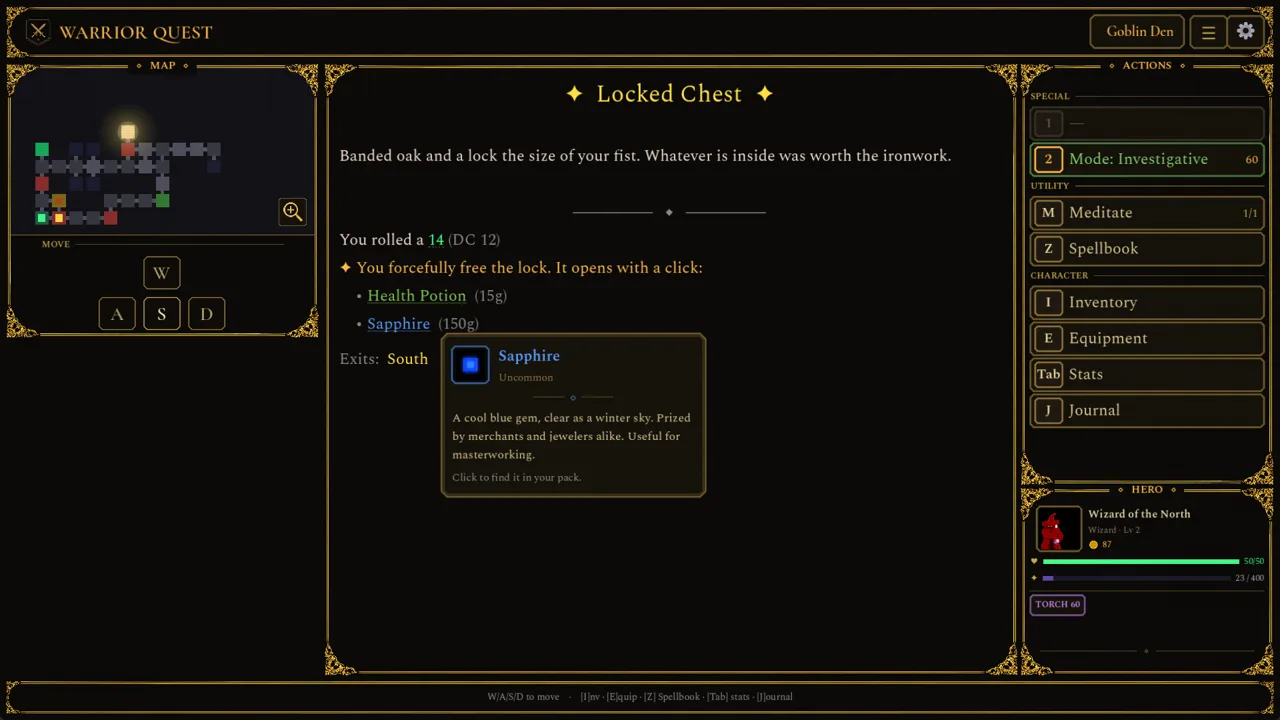 Image: Steam / Wizard of the North
| Method | What happens | Cost |
|---|---|---|
| Lockpick | Roll against the lock's difficulty | Uses your lockpick supply (shown on the card) |
| Smash it open | You force the chest | Can damage the contents |
Use the lockpick checkbox on the chest card to choose picking. It was made more visible in Update 1.10, so look for it before you roll.
Smash only when you're out of lockpicks or the chest looks low-value. Breaking a lock can ruin what's inside, and losing a rare drop to save one pick is a bad trade. Check your remaining lockpick count on the card before every attempt so you never run dry halfway through a dungeon.
Trapped Chests and Exploration Modes
Some chests are trapped, and you can disarm the trap before looting. Update 1.10 fixed trapped chests spawning right next to other traps, so a trapped chest is now usually its own hazard rather than part of a cluster.
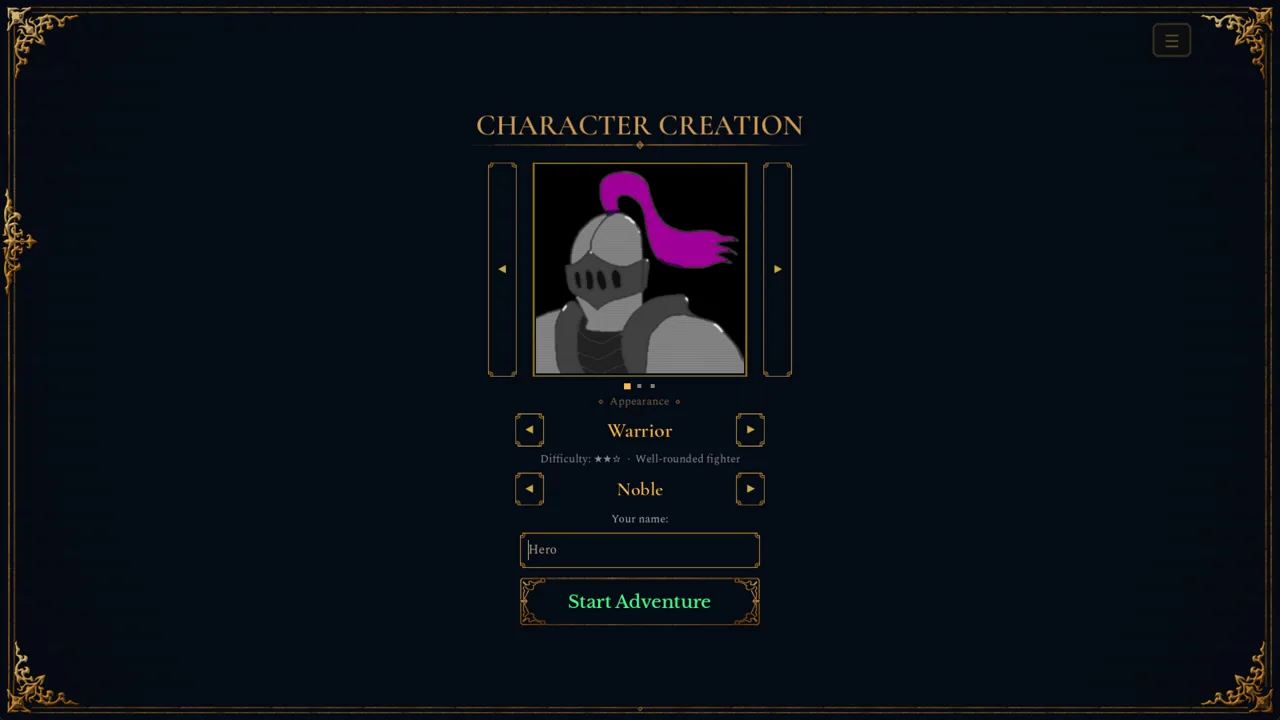 Image: Steam / Wizard of the North
Your exploration mode matters here. Since Update 1.5, you can pick a mode from the Mode button under Special:
- Balanced
- Investigative: helps you spot traps. It costs more time per step.
- Stealth: automatically tries to sneak past creatures. It also costs more time per step.
Switch to Investigative when you enter rooms that feel like vaults or sealed chambers. Swap back to Balanced in cleared corridors to save time. Poison is a real threat in these dungeons, so carry an antidote before you start poking at suspicious chests.
Guarded Chests and Talking for Treasure
Warrior Quest's diplomacy system works on chests too. A goblin might be sitting right beside a dusty chest. You can fight it, bluff it, or bargain with it, and the result changes what happens next. Kill or scare off the guard and the chest sits unguarded.
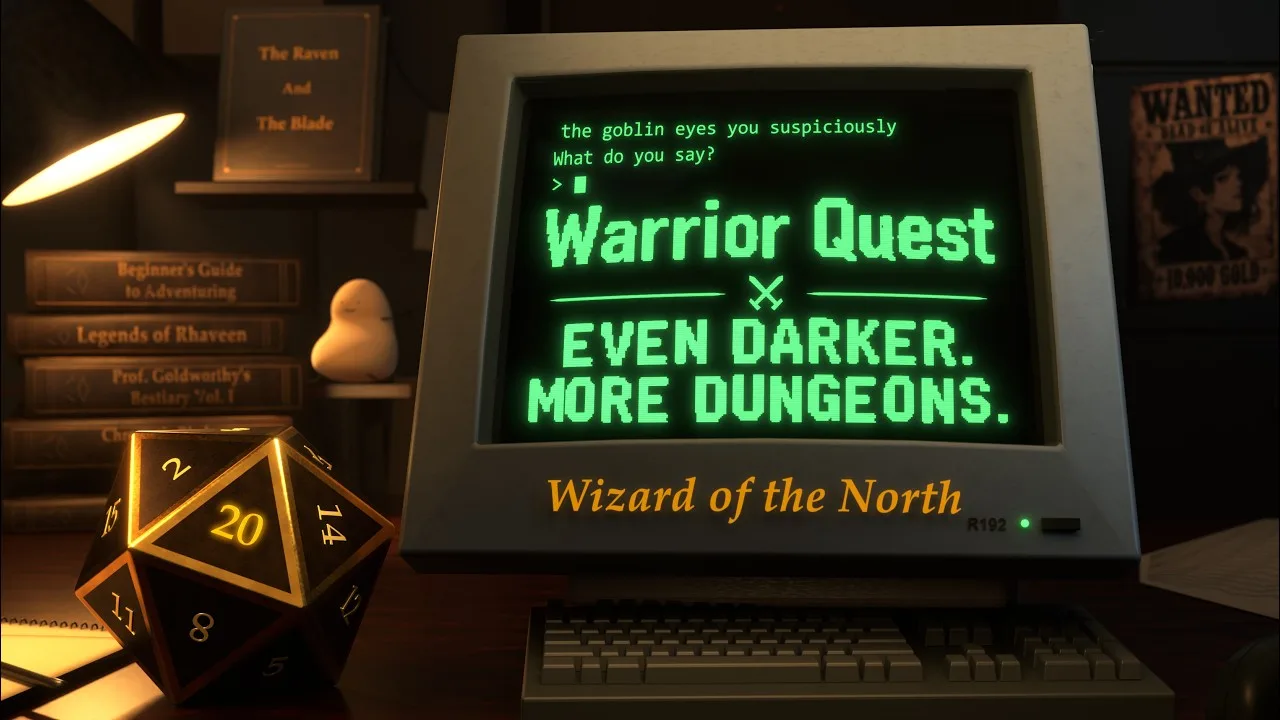
Goblins can also tip you off about treasure. Update 1.3 fixed a bug where a chest a goblin warned you about didn't get a map marker, so those hints now show up on your minimap.
Ask goblins about loot and hidden rooms before you draw steel. A cooperative goblin can point you toward treasure you'd otherwise walk past, and some can even join your party. Also keep an eye out for hidden, sealed chambers as you explore.
Use Rerolls on Big Chest Checks
Rerolls arrived in Demo Major Update 1.6 and work on any failed check, chest rolls included.
- Click Reroll or press Backspace after a failed roll to try again.
- Accept a result and you keep your reroll for later.
- Earn more by listening to rumors at the Ample Dwarf tavern. Every five rumors gives you a reroll, and every ten gives you an attribute increase.
- The reroll card tracks how many you have left.
Save rerolls for locked chests where failing means smashing or burning lockpicks. Spend a few rounds at the Ample Dwarf between dungeons to stock up before heading out.
Managing Your Loot
Chests drop everything from potions and gear to oddities like a pouch of experience. Some practical notes:
- Inventory capacity jumped from 255 to 500 slots in Update 1.5, so space is rarely the problem.
- Gold now appears in the inventory and on the hero panel (added in 1.9b).
- Companions carry their own gold and items, including gifts you give them.
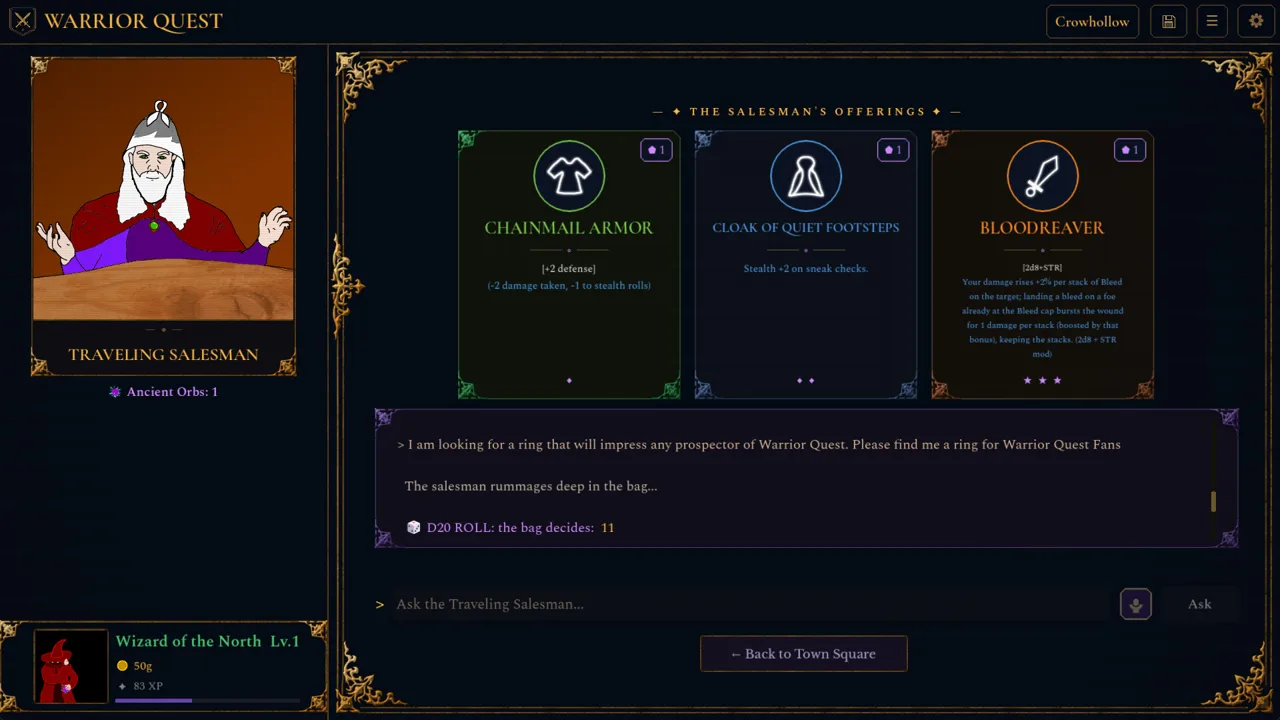
- The traveling salesman's item cards use rarity colors and symbols as of Update 1.11a, which makes it easy to compare chest finds against his wares.
Sell gear you've outgrown and put the gold into the forge. Weapon and ring upgrades often beat hoarding a pile of middling chest drops.
FAQ
Does chest loot from the demo carry over to the full game?
Yes. The free demo is Act I of the full game, about an hour long, and your save carries over to the full release on November 13, 2026. You can grab it on the Warrior Quest Steam page.
What does smashing a chest do?
It forces the lock open without a lockpick, but it can damage the contents.
How do I see how many lockpicks I have left?
The locked-chest card shows your remaining lockpicks, along with the chosen method and its difficulty.
Continue with
 Warrior Quest Items Guide: Gear, Loot, Gold and ChestsOur Warrior Quest items guide covers shops, chests, lockpicks, gold, bribes and companion gear in Crowhollow. Learn how to loot smarter before you roll.
More in Items
Warrior Quest Armor Guide: Gear, Forge Upgrades and Loot
Warrior Quest armor explained: starting gear, forge upgrades, the traveling salesman's rarity cards, and how to loot or bargain your way to better gear.
Warrior Quest Best Weapons: Early Tier List for Act I
Warrior Quest best weapons ranked: the 2d8 Keen Strike weapon, forge-upgraded swords, hard-hitting abilities, and the dirty tricks that win Act I fights.
Warrior Quest Charms Guide: Rings, Trinkets and Merchants
Warrior Quest charms guide: where to find rings, necklaces and trinkets at the forge and the wandering merchant's wagon, plus loot tips. Then roll well.
Warrior Quest Lockpicks: How to Open Locked Chests Safely
Warrior Quest lockpicks decide whether a locked chest opens cleanly or gets smashed. Learn how the chest card, rerolls, and trap checks work underground.
Continue exploring
Warrior Quest Sword Guide: Upgrades, Abilities and Tips
Get more out of your Warrior Quest sword: forge upgrades, the merchant blade that doubles your damage dice, Focus Strike, Victorious Slash, and more.
Warrior Quest Spellbook Guide: Wizard Spells and Tips
Learn how the Warrior Quest spellbook works for the Wizard class, from combat spell lists and level-up cards to scrolls, rerolls, and smart attribute tips.
Join the community
Official channels for news, updates and player help: