Coming soon · Release date: November 13, 2026
UpdatedWarrior Quest Map Guide: Dungeons, Minimap & Travel Tips
Learn how the Warrior Quest map works, from the Goblin Den's branching layouts and minimap markers to road encounters, exploration modes, and the Journal.
Jump to
How Exploration Is Laid Out
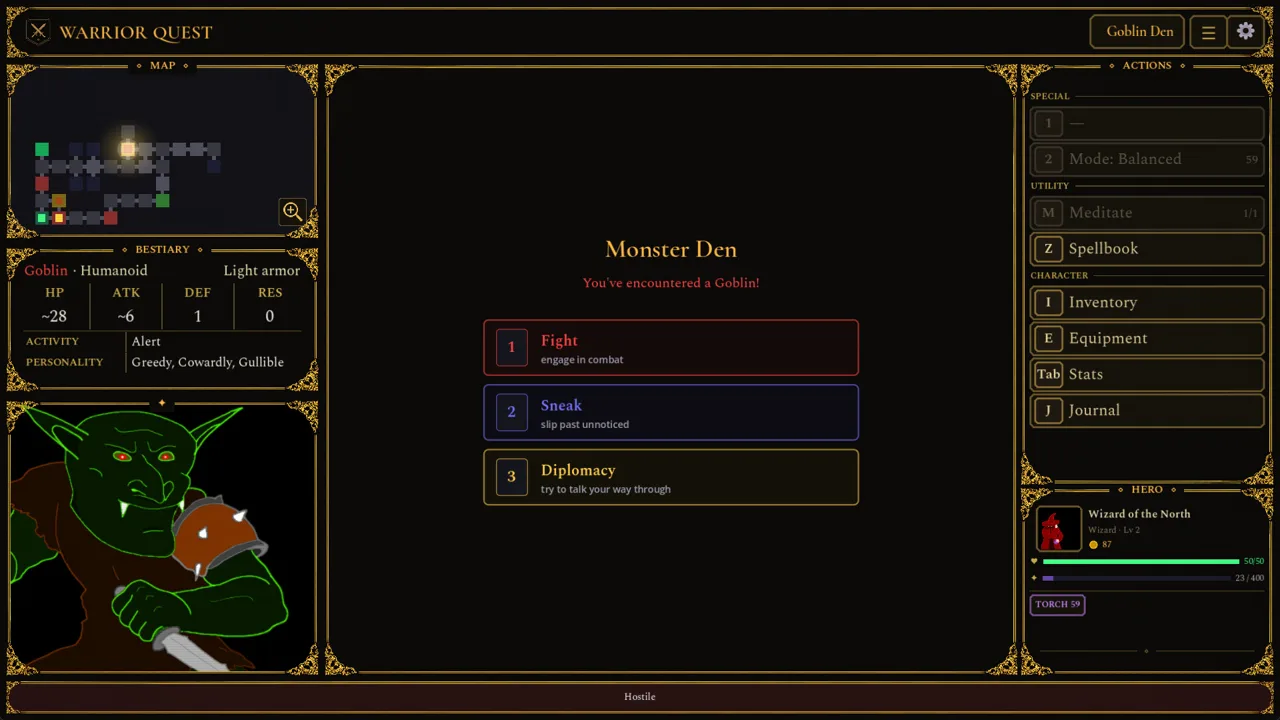
Getting lost in a dark-fantasy dungeon is half the fun, until a trap eats your last health potion. The Warrior Quest map is how you avoid that. It covers the town hub of Crowhollow, the travel screen between locations, and the room-by-room minimap you follow underground. Learning to read all three lets you spot loot and dodge danger. It also helps you leave a dungeon with every objective ticked off.
The game loop runs in three stages:
- Town (Crowhollow): Pick up work from the Townmaster, shop at the market, and hear rumors at the Ample Dwarf. Your current quest is shown in the town square.
- The road: Pick a travel choice and resolve whatever you run into on the way, using dice-roll cards.
- The dungeon: Move room by room on a minimap. Large maps scroll smoothly as you push deeper.
The free demo covers Act I of the full game and takes about an hour. Your save carries over to the full release, which launches November 13, 2026 on Windows, macOS, and Linux. You can download the free demo and wishlist the game on the Warrior Quest Steam page.
Dungeon Layouts: Goblin Den and the Hideout
The Goblin Den has been rebuilt to include more varied rooms, branching paths, and loops. Use the loops to circle back around a group you'd rather not fight head-on.
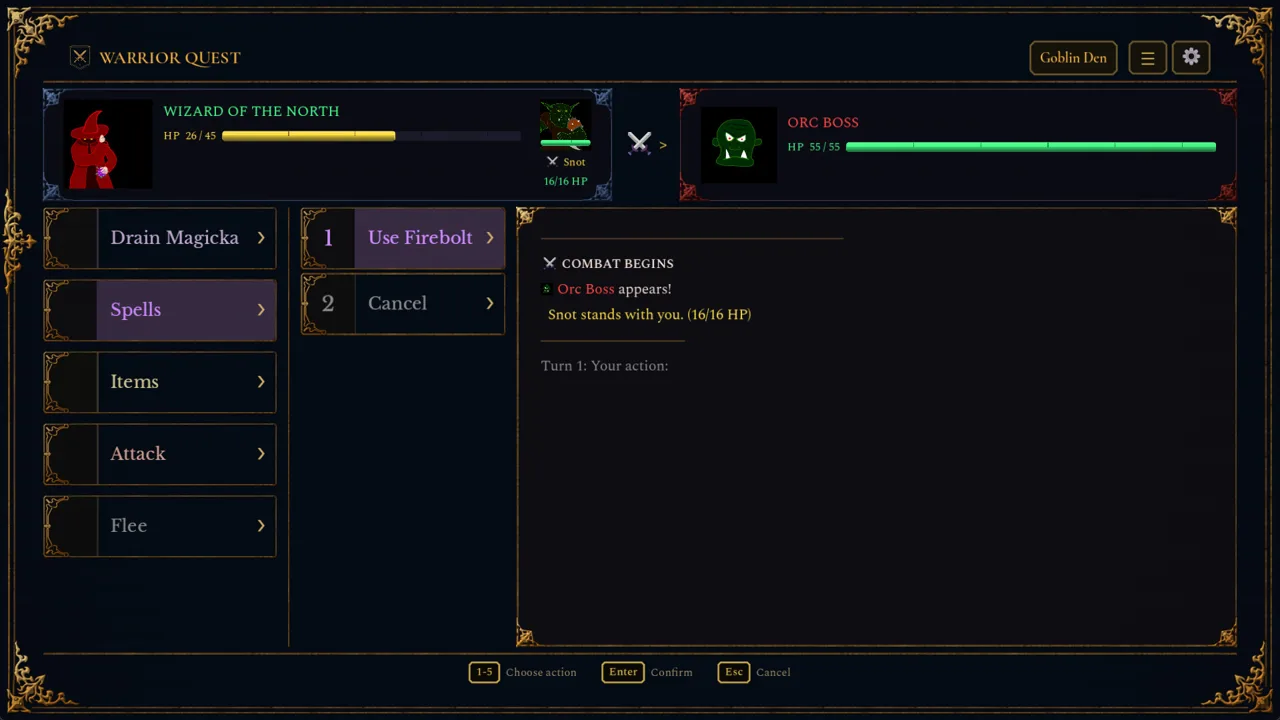 Image: Steam / Wizard of the North
The Hideout also got a reworked dungeon layout. Demo Update 1.5 added interactive flavor rooms, with more things to discover, collect, and disturb as you explore. Neighboring rooms are also less likely to repeat the same description.
Things to watch for as you explore:
- Traps: Trapped chests no longer spawn directly next to other traps. Finding one trap doesn't mean the next tile is safe, though.
- Locked chests: The chest card shows your chosen method, its difficulty, and how many lockpicks you have left. Check your lockpick count before you commit.
- Light: The Crowhollow market stocks two torches per restock. Buy both before every delve.
Exploration Modes: Balanced, Stealth, and Investigative
Open the Mode button under Special to choose between Balanced, Stealth, and Investigative. The two specialized modes work like this:
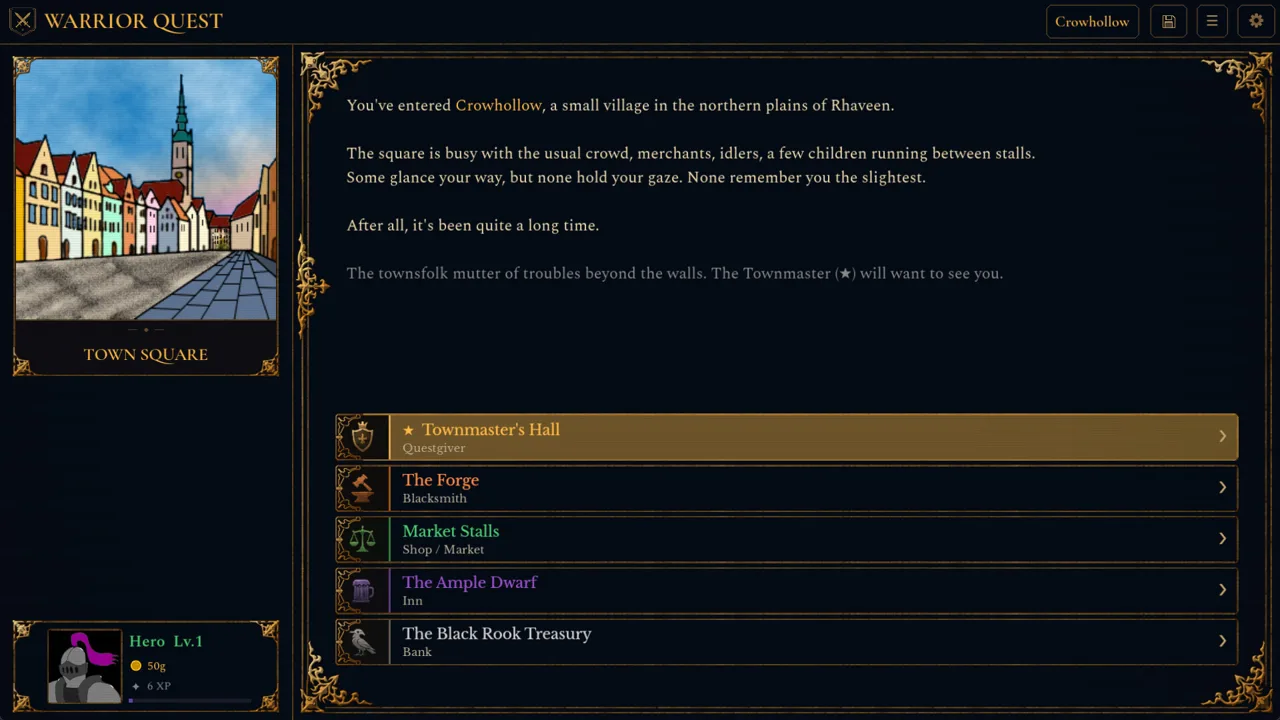 Image: Steam / Wizard of the North
| Mode | What it does | Trade-off |
|---|---|---|
| Stealth | Automatically tries to sneak past creatures | Takes more time per step |
| Investigative | Helps you spot traps | Takes more time per step |
Switch to Investigative in corridors where you've already triggered traps. Switch to Stealth when you want to reach a room without a fight. Getting caught sneaking doesn't always mean combat, either. A creature that spots you in Stealth mode can challenge you first, which gives you a chance to talk your way out.
Talking Your Way to Map Markers
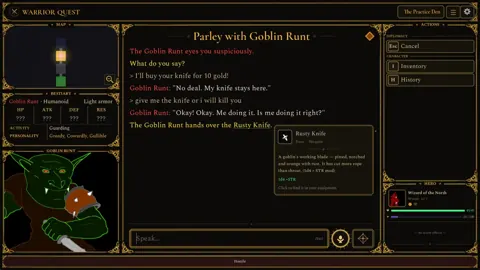
Diplomacy also helps you find your way around. You talk to creatures in your own words, and what they tell you can show up on your map. If a goblin warns you about a chest, that chest now gets a proper map marker. Ask creatures what's nearby before you draw steel.
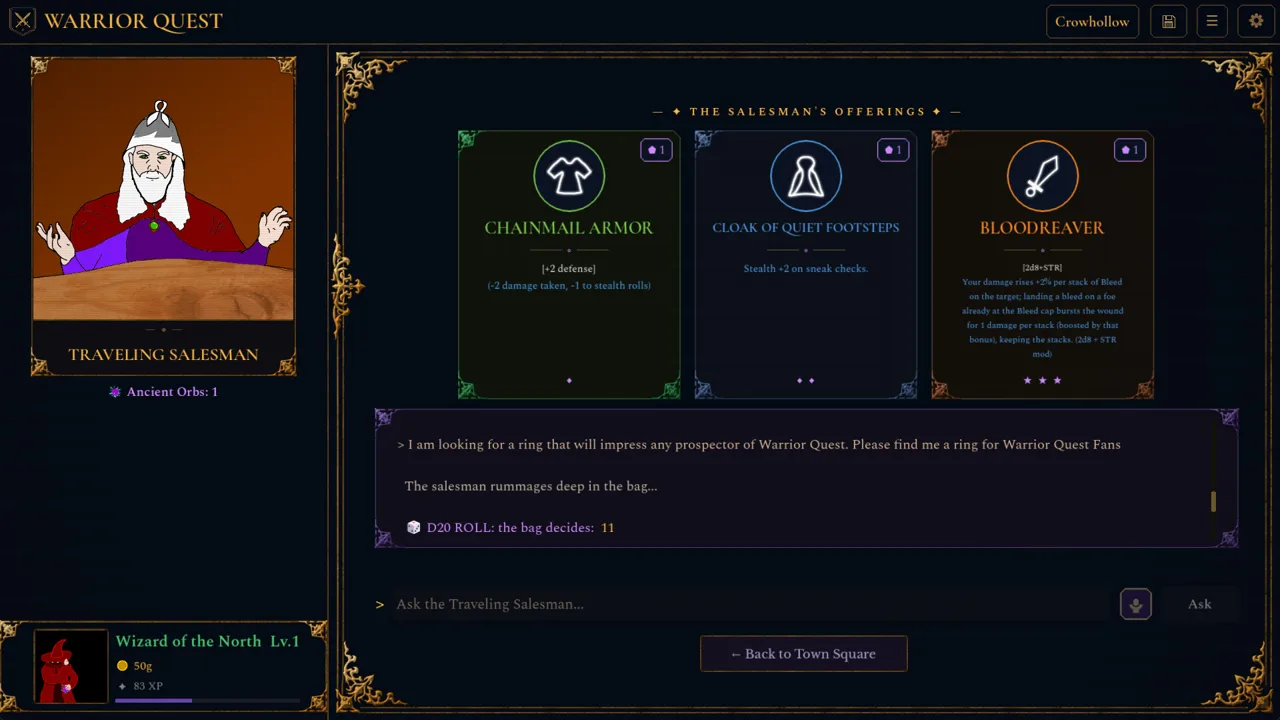 Image: Steam / Wizard of the North
Some phrasings work especially well for getting around:
- Asking a creature to take you to their boss triggers a dice roll instead of being treated as small talk.
- Requests to investigate somewhere or move away are understood more reliably.
- Demo Update 1.11 fixed some dialogue that incorrectly revealed a location on the map.
Journal, Objectives, and Leaving a Dungeon
Press J to open the Delve Journal. It lists your quest objectives, matching the list in the Townmaster's hall, and keeps a separate entry for each discovery. Check it whenever you reach a fork, so you know which branch still holds an objective.
When you exit through a dungeon's entrance, you get a summary that flags any unfinished objectives. Read it before confirming. It's your last reminder before walking back to town empty-handed. Fallen companions are remembered where they fell, and the victory card shows their loss and any belongings you recovered.
Travel Map and Road Encounters
Travel choices and their result screens use sliding page transitions, and road encounters are resolved with dice-roll cards. Keep some gold in reserve before setting out, since some encounters on the road involve paying your way.
Failed a roll on the road or in a dungeon? Spend a reroll by clicking Reroll or pressing Backspace. Accepting the result keeps your reroll for later. Earn more by listening to rumors at the Ample Dwarf: every five rumors gives you a reroll, and every ten gives you an attribute increase.
Map and Exploration Changes by Update
If you played an early demo build, here's what changed for navigation:
- Demo Update 1.3: The parchment edge on the travel map was fixed. Chests that goblins warn you about now appear on the map.
- Demo Update 1.5: Exploration modes were added, the Goblin Den layouts were reworked, and large minimaps now scroll smoothly.
- Demo Update 1.8: Your current quest now appears in the town square.
- Demo Update 1.10 (October 16, 2026): The Hideout layout was reworked, the Journal was restyled, and leaving through the entrance now shows a summary.
- Demo Update 1.11 (October 18, 2026): Travel choices were reworked, chest and road-encounter dice cards are clearer, and some dialogue that incorrectly revealed map locations was fixed.
Continue with
 Warrior Quest Secrets: Hidden Loot, Rumors and ShortcutsUncover Warrior Quest secrets in Crowhollow's Goblin Den and beyond: hidden chambers, tavern rumor rewards, diplomacy tricks, and the loot you might miss.
More in Dungeons
Warrior Quest Bosses: How to Beat or Talk Down the Orc Boss
Warrior Quest bosses can be fought, bribed, or bluffed. Learn how to handle the Orc Boss, use rerolls, and prepare your hero for every major encounter.
Warrior Quest Dungeons Guide: Goblin Den to Pirate Hideout
Explore Warrior Quest dungeons from the tutorial to the Goblin Den and pirate Hideout. Learn how to talk, sneak, loot, and fight your way through Act I.
Warrior Quest Enemies: How to Fight, Bribe, or Sneak Past
Warrior Quest enemies can be fought, bribed, bluffed, or sneaked past. Learn how goblins, the Orc Boss, and dungeon creatures react to every approach.
Warrior Quest Traps: How to Spot, Disarm, and Survive Them
Warrior Quest traps reward careful delvers. Learn how Investigative mode, trap rolls, lockpicks, and rerolls work so you clear every dungeon in one piece.
Continue exploring
Warrior Quest Reddit: Community Hub, Feedback and Updates
Join the Warrior Quest Reddit community at r/WarriorQuest: share runs, report bugs, and catch demo patch news before the November 13, 2026 Steam launch.
Warrior Quest Chest Guide: Locks, Traps, and Loot Tips
Every Warrior Quest chest is a dice roll. Learn how locked and trapped chests work, when to smash or pick a lock, and how rerolls save your best loot.
Join the community
Official channels for news, updates and player help: