Coming soon · Release date: November 13, 2026
UpdatedWarrior Quest Demo: What's in Act I and How to Play It
The Warrior Quest demo is Act I of the full game and your save carries over. Here's what's inside, PC and Mac specs, key controls, and tips for launch.
Jump to
What the Warrior Quest Demo Gives You
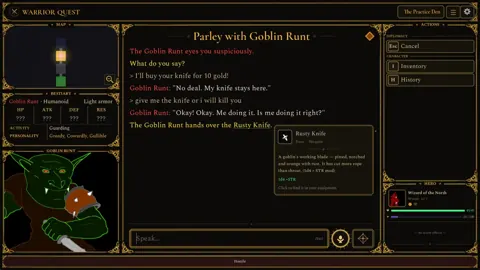
Imagine telling a goblin to get out of your way in your own words, rolling a d20, and watching it actually back down. That's the hook of the Warrior Quest demo, a free slice of Wizard of the North's dark-fantasy dungeon crawler. The full game launches on Steam on November 13, 2026, so this is the moment to decide whether this "Living RPG" deserves your time.
The demo is Act I of the full game and runs about an hour. Your save carries over to the full release, so nothing you do here is wasted. It went live on August 29, 2026, appeared in Steam Next Fest from October 19 to 26, and now has its own store page with player reviews. All 11 user reviews there are positive.
Grab it from the Warrior Quest Demo page on Steam, or wishlist and buy the full game on the Warrior Quest Steam store page.
How Free-Form Diplomacy Works
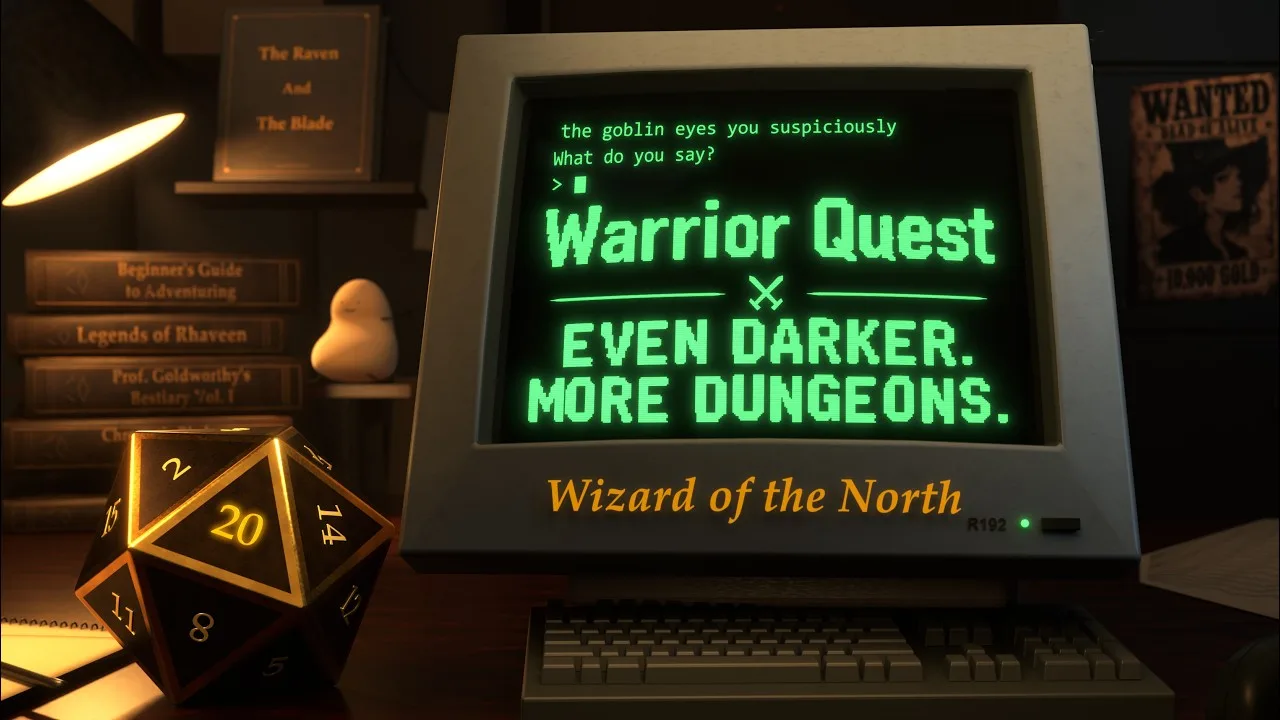
Warrior Quest is a classic turn-based, grid-based crawler with a twist. When you meet a creature, you can talk to it by typing or speaking anything you like. You can bribe, threaten, lie, recruit, or ask for directions. A local language model reads what you said, but the game's rules and dice decide what succeeds. A deal you strike can change relationships, objectives, alliances, and access in the world.
A few things to know going in:
- Everything runs offline. The AI and the character voices run on your own PC, with no internet needed during play.
- Only the diplomacy uses AI. The writing, artwork, music, sound, and voice performances were all made by the solo developer, a software engineer and longtime Dungeon Master from Iceland.
- Peaceful play is viable. Much of the game can be finished without violence, though greed, deception, and cruelty carry consequences.
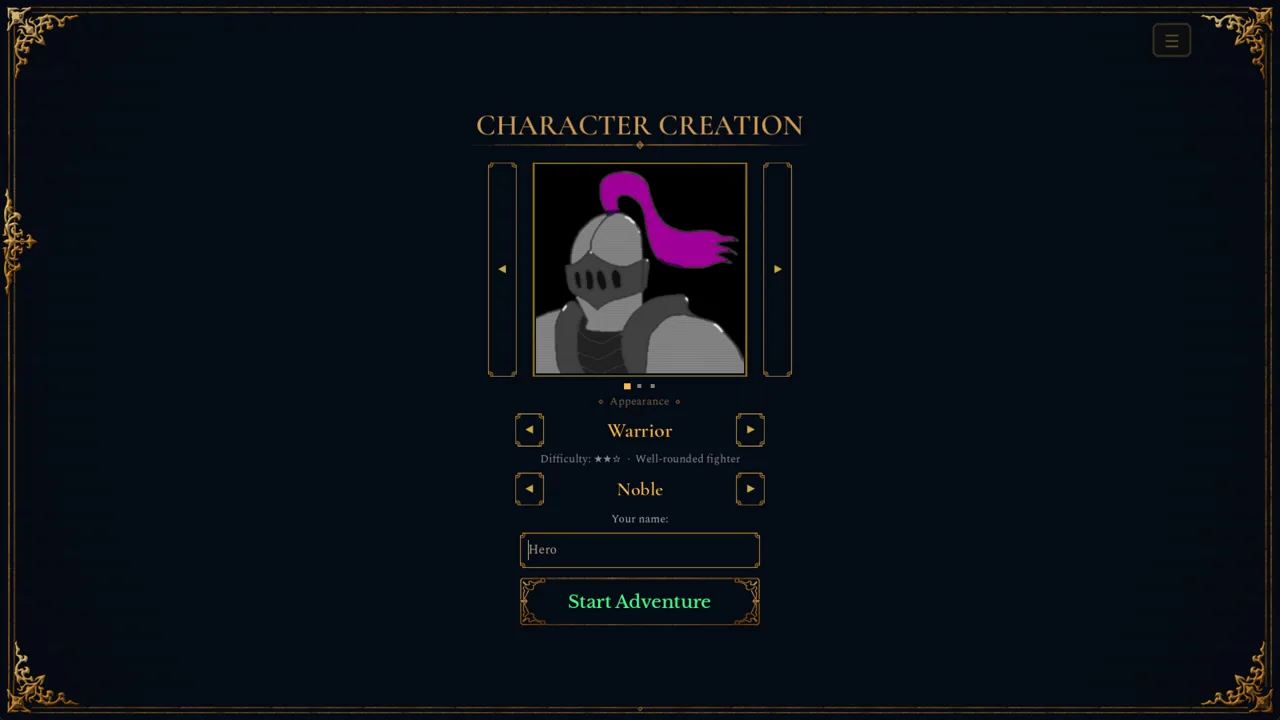
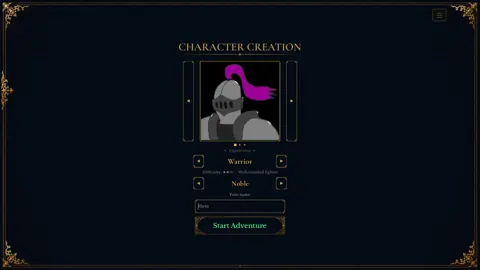
- Pick a class, not a personality. Warrior, Thief, and Wizard each have their own abilities and gear preferences, but any of them can negotiate, show mercy, or choose violence.
What's Inside Act I
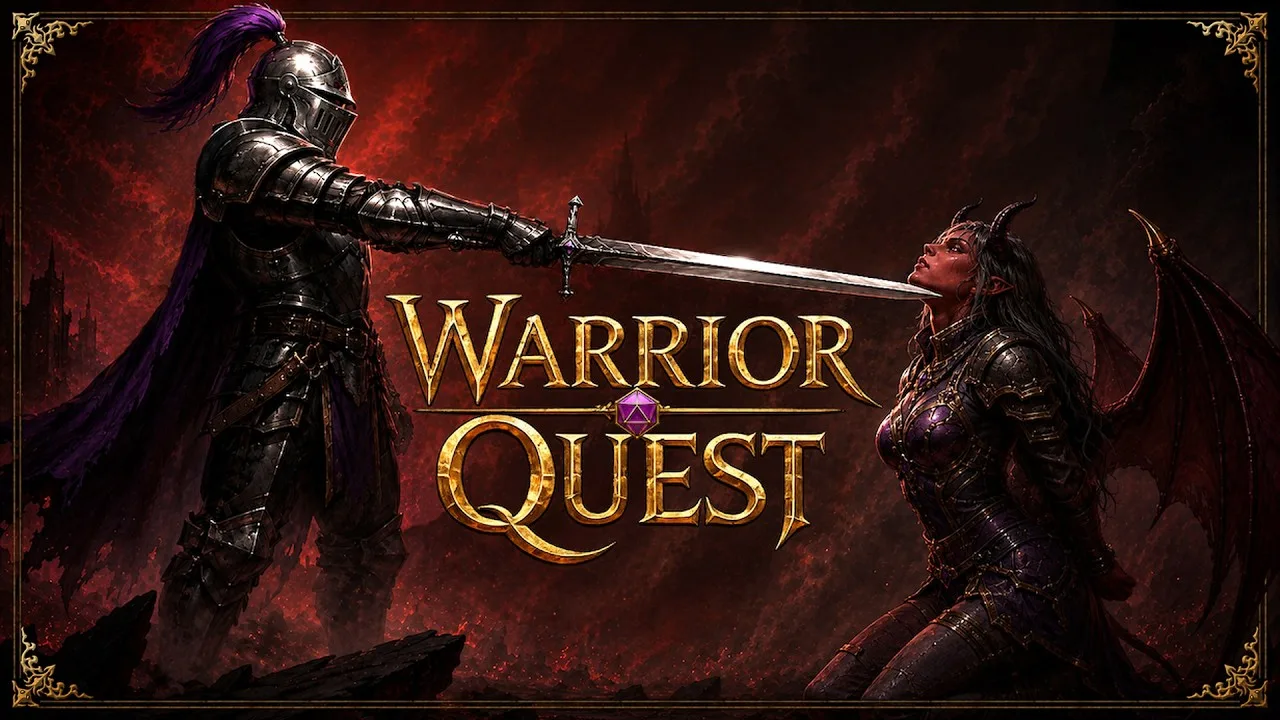
The demo opens with a short tutorial dungeon, then drops you in Crowhollow, a village in the northern plains of Rhaveen. A goblin band has kidnapped a child from an outlying farm, and an orc boss leads them from a cave in the hills east of town.
Before you leave, Crowhollow has plenty to do:
- Townmaster's Hall: take the quest and track objectives.
- The forge: upgrade weapons, armor, and jewelry.
- The market: potions, antidotes, torches, and tools.
- The Ample Dwarf: the tavern, where rumors pay off (see the tips below).
- Black Rook Treasury: a place to store your gold.
The Goblin Den is the heart of the demo. You can sneak past, fight, or talk your way through its goblins, recruit one as a companion, rescue the child, and confront the orc boss on your own terms. Afterward, a letter points toward a pirate captain named Long John Platinum and his hideout in the western sea cliffs. Act I ends partway into that Hideout, so expect a cliffhanger. Road encounters between locations, such as a shady peddler or a merchant caught in a snare, add more chances to talk, roll, and choose.
Tips for Your First Run
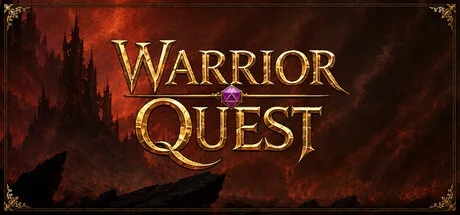 Image: Steam / Wizard of the North
- Talk before you swing. Even a blunt demand can make a goblin runt step aside on a good roll. One achievement asks you to clear the Goblin Den with the Runt as your ally, so keep that little guy alive.
- Recruit goblins against their boss. Ask where the boss is, then ask for help. Companions carry their own gold and items, and you can gift them gear.
- Farm rumors at the Ample Dwarf. Every five rumors earns a reroll, and every ten grants an attribute increase.
- Save your rerolls. When a check fails, click Reroll or press Backspace. If you accept the result, you keep the reroll for later.
- Switch exploration modes. Open the Mode button under Special and choose Balanced, Stealth, or Investigative. Stealth automatically tries to sneak past creatures, and Investigative helps you spot traps. Both take more time per step.
- Think about who you are dealing with. Creatures have their own inventories, so you can demand gold or items. You can also set up contests and wagers, including riddles.
- Buy an antidote. Poison shows up in the Hideout, and the game hints at antidotes the first time you're poisoned.
- Read the Beginner's Guide. You'll find it by clicking your portrait. It covers exploration and survival basics.
Useful Controls
| Action | Key |
|---|---|
| Voice input (start) | Ctrl+Space or mic button |
| Cancel voice input | Esc |
| Reroll a failed check | Backspace |
| Beckon a waiting companion | B |
| Character sheet during diplomacy | Tab |
| Character sheet in town | I, E, or Tab |
| Delve Journal | J |
| Pause voice | F9 |
| Fast-forward voice lines | F10 |
| Confirm (chests, rest, pray, stairs, roll) | Enter or Space |
Voice input has two send styles. Brave sends your message instantly, while Cautious leaves it in the editor so you can fix any misheard words.
System Requirements and Performance Modes
The demo needs a decent graphics card because the language model runs locally. Choose between Standard, Safe, and Light modes on the title screen. The game recommends one for your GPU and remembers your choice. Safe mode keeps full character conversations on 6 GB cards, though replies can take a little longer. Light mode lets 4 GB cards play with simpler characters.
| Platform | Minimum | Recommended |
|---|---|---|
| Windows | Windows 10 64-bit, i5-4460 / Ryzen 3 1200 (4c, AVX2), 8 GB RAM, GTX 1060 / RX 5600 (6 GB VRAM), 12 GB storage | Windows 11 64-bit, 8 GB RAM, GTX 1070 / RX 5700 (8 GB VRAM), 12 GB storage |
| macOS | macOS 14 Sonoma, Apple M1 or newer (no Intel), 8 GB RAM, 10 GB storage, simpler characters | macOS 15 Sequoia, 16 GB RAM, M1 Max (32-core GPU) / M4 Pro (20-core GPU) or better for full characters |
| Linux | Ubuntu 20.04 LTS 64-bit or newer (glibc 2.28+), Vulkan driver, GTX 1060 / RX 5600 (6 GB VRAM), 12 GB storage | Ubuntu 24.04 LTS 64-bit, GTX 1070 / RX 5700 (8 GB VRAM) |
On Mac, voice dictation needs macOS 15. If you run a laptop with both a dedicated and an integrated GPU, update to the latest build. Version 1.11 stops the game from splitting AI work onto the integrated chip.
How the Demo Evolved Through Updates
The demo has been patched steadily since launch, so if you tried an early build and bounced off, it plays noticeably better now.
| Update | Highlights |
|---|---|
| 1.3 | Voice input, fast-forward, quest objectives in the Delve Journal |
| 1.4 | Creature inventories, contests and wagers (including riddles), mood indicator, Beckon button |
| 1.5 | Exploration modes, interactive flavor rooms, reworked Goblin Den layouts |
| 1.6 | Rerolls, animated 3D d20, Safe and Light modes for 6 GB and 4 GB cards, fewer false antivirus flags |
| 1.7 | Native Apple Silicon Mac build |
| 1.8 | Achievements, current quest shown in the town square |
| 1.9 | Diplomacy roughly 20 times faster on affected 6 GB cards |
| 1.10 (Oct 16) | Adventure Report feedback form, reworked Hideout layout, redesigned completion screens |
| 1.11 (Oct 18) | Hand-drawn gold UI frames, clearer dice-roll cards, Turn 0 enemy openers |
| 1.11a (Oct 18) | Rarity colors on the salesman's items, live voice-level meter, Victorious Slash finisher |
FAQ
Is the Warrior Quest demo free?
Yes. It's a free download on Steam and covers Act I of the full game.
Does demo progress carry over to the full game?
Yes. Your demo save carries over to the full release, which launches on Steam on November 13, 2026.
Do I need an internet connection to play?
No. The language model and voices run locally, so the game plays fully offline.
Can I play on Mac or Linux?
Yes. The game supports Apple Silicon Macs (M1 or newer, macOS 14 or later) and Ubuntu-based Linux with a Vulkan-capable driver, in addition to Windows.
Continue with
 Warrior Quest Release Date: Platforms, Specs & Free DemoThe Warrior Quest release date is November 13, 2026. Get platforms, PC and Mac requirements, demo save carryover, and how its offline AI diplomacy works.
More in Release
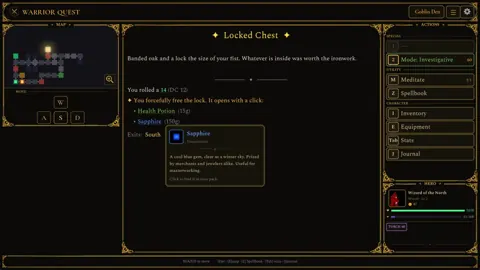
Warrior Quest Steam Release: Launch Date, Specs, and Demo
Warrior Quest hits Steam on November 13, 2026. Get the launch details, PC and Mac specs, demo save carryover, and how its say-anything AI diplomacy works.
Warrior Quest System Requirements: Can Your PC Run It?
Check the Warrior Quest system requirements for PC, Mac, and Linux, plus VRAM performance modes and what you need to run its offline AI diplomacy smoothly.
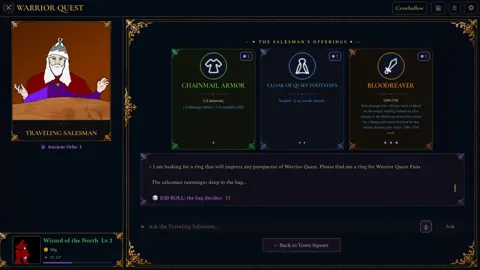
Warrior Quest Trailer Breakdown: AI Diplomacy, Release Date
Watch the Warrior Quest trailer breakdown: free-form goblin diplomacy, three classes, offline AI, and the November 13, 2026 launch on PC, Mac and Linux.
Continue exploring
Warrior Quest Diplomacy Guide: Bribe, Bluff, and Recruit
Master Warrior Quest diplomacy: how free-form talk, dice rolls, bribes, threats, and recruiting work, plus tips to talk your way past goblins and bosses.
Warrior Quest Guide: Classes, Diplomacy, and Demo Tips
Our Warrior Quest guide to classes, AI diplomacy, rerolls, exploration modes, and PC specs, so you can talk, sneak, or fight your way through Crowhollow.
Join the community
Official channels for news, updates and player help: