Coming soon · Release date: November 13, 2026
UpdatedWarrior Quest System Requirements: Can Your PC Run It?
Check the Warrior Quest system requirements for PC, Mac, and Linux, plus VRAM performance modes and what you need to run its offline AI diplomacy smoothly.
Jump to
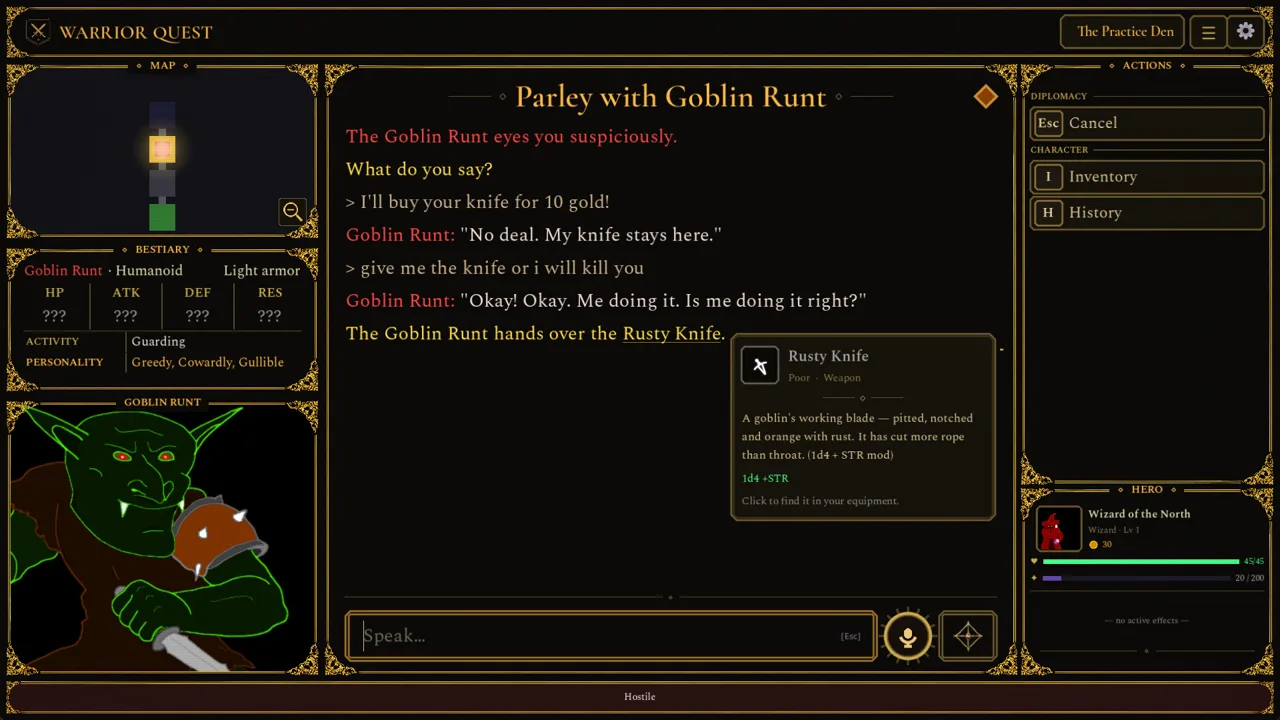
Warrior Quest launches on Steam on November 13, 2026. It looks like a modest hand-drawn dungeon crawler, but its hardware needs are higher than that suggests. The game's free-form diplomacy runs a language model and voice synthesis directly on your machine, offline, every time you bribe, threaten or lie to a goblin. The Warrior Quest system requirements are really about one thing: whether your hardware can host that AI. Your graphics card's memory decides more than anything else, so check your VRAM before you buy.
Minimum and Recommended PC Specs
On Windows, the minimum and recommended specs differ in only one line: the graphics card. Everything else is identical, including the processor.
| Component | Minimum | Recommended |
|---|---|---|
| OS | Windows 10 64-bit | Windows 10 64-bit |
| Processor | i5-4460 / Ryzen 3 1200 (4c, AVX2) | i5-4460 / Ryzen 3 1200 (4c, AVX2) |
| Memory | 8 GB RAM | 8 GB RAM |
| Graphics | GTX 1060 / RX 5600 (6 GB VRAM) | GTX 1070 / RX 5700 (8 GB VRAM) |
| DirectX | Version 12 | Version 12 |
| Storage | 12 GB available space | 12 GB available space |
Two details are easy to miss:
- AVX2 support is required. Both CPU tiers specify a four-core chip with AVX2. Very old processors without that instruction set fall outside the listed specs, even if they have enough cores.
- 4 GB graphics cards still work. They run the game in Light mode. It's fully playable, but characters are simpler.
Why VRAM Matters So Much
All text generation and voice synthesis happen on your own PC, and no internet connection is needed while you play. Your GPU does that work, so the amount of graphics memory you have decides how rich NPC conversations can be.
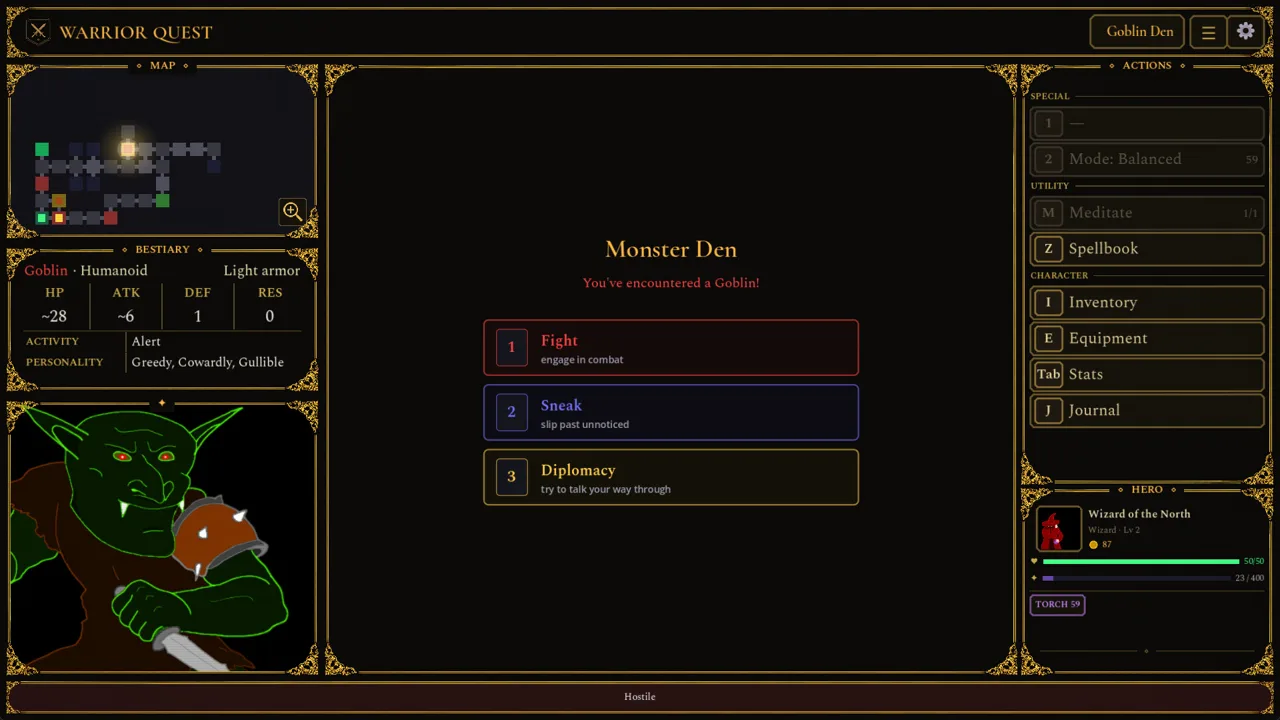 Image: Steam / Wizard of the North
You choose between three performance modes on the title screen. The game recommends one for your card and remembers your choice.
| VRAM | Performance Mode | What You Get |
|---|---|---|
| 8 GB | Standard | Full experience at the recommended spec |
| 6 GB | Safe | Full character conversations, but replies may take a little longer |
| 4 GB | Light | Simpler character conversations to fit the smaller memory budget |
If your card has 6 GB, use Safe mode and accept slightly slower replies. You keep the same conversations as an 8 GB card. Drop to Light only if you're on a 4 GB card, because it trades away conversation depth.
Mac and Linux Support
Warrior Quest is listed for Windows, macOS, and Linux.
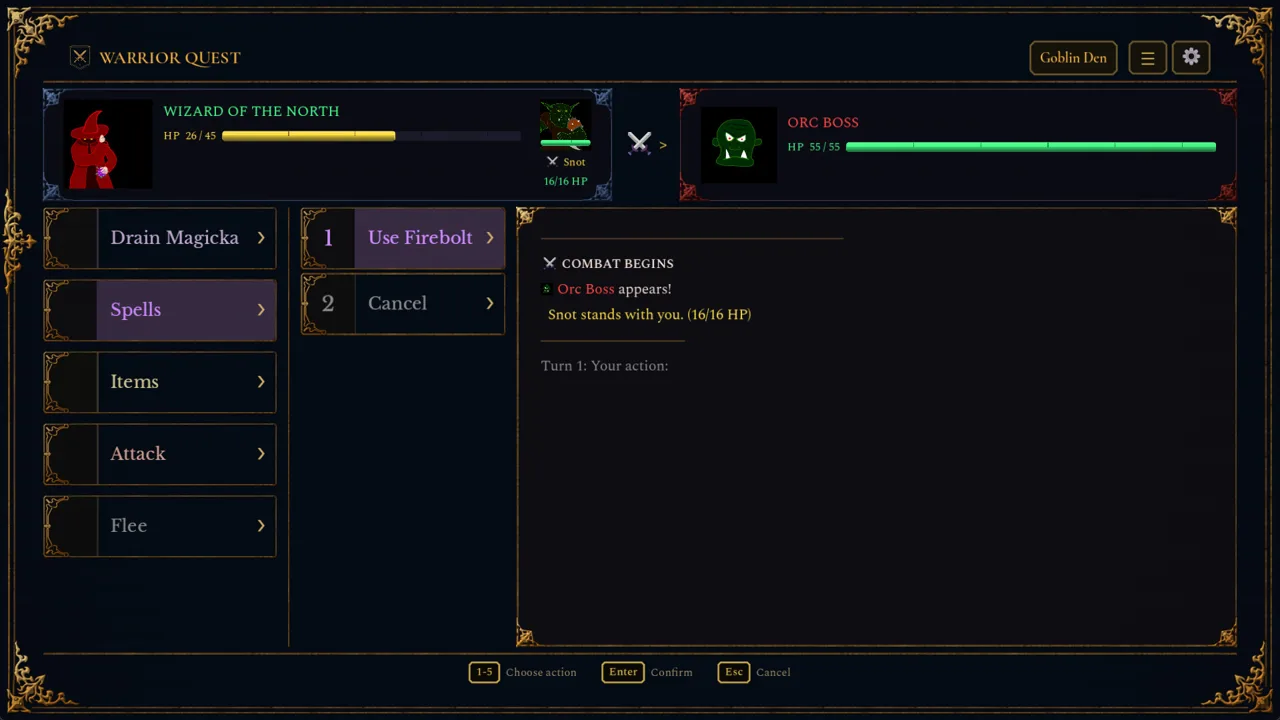 Image: Steam / Wizard of the North
The Mac build arrived with Demo Update 1.7. It runs natively on Apple Silicon:
- Chip: M1 or newer
- OS: macOS 14 or later
- 12 GB of memory or more: fully supported
- 8 GB of memory: runs in Light mode
Intel Macs aren't part of that support. Update 1.8 also fixed a bug that placed Macs capable of the full experience into Light mode by mistake. If an older demo build pushed your 12 GB+ Mac into Light, check the mode on the title screen again.
Linux is a supported platform, but it has no separate spec sheet. Use the Windows hardware figures as your benchmark, especially the VRAM tiers.
Performance Fixes From the Demo Patches
The demo went through many updates before launch, and several of them targeted exactly the hardware edge cases you might run into.
 Image: Steam / Wizard of the North
- 6 GB NVIDIA cards: Update 1.9 fixed some 6 GB cards running diplomacy on the CPU instead of the GPU. Update 1.9a then fixed an unnecessary CPU fallback in Safe mode. Replies came back over 20 times faster in testing. If an early demo felt sluggish on a GTX 1060, that's why.
- Laptops and dual-GPU systems (October 18, 2026, Update 1.11): On machines with both a dedicated card and integrated graphics, the game no longer splits AI work onto the integrated GPU. Diplomacy ran slowly on these setups before this fix.
- Voices not starting on Windows: Update 1.3 bundled a Windows runtime that some machines were missing. It also fixed port conflicts with other programs.
- Antivirus warnings: Update 1.6 replaced an unsigned Python library in the bundled voice software. The older warnings were false positives, and the change cut down on interrupted installs and launches.
Test Your Rig With the Free Demo
The easiest way to check your hardware is to play the free demo. It covers Act I of the full game, runs about an hour, and your save carries over to the full release. Watch how fast NPCs reply during your first goblin parley. If responses drag, switch performance modes on the title screen before committing to a longer run.
Grab the demo from the Warrior Quest Demo page on Steam, then wishlist or buy the full game on the official Warrior Quest Steam store page.
FAQ
Do I need an internet connection to play Warrior Quest?
No. The AI and the voices run locally on your PC, so you can play the whole game offline.
Can I talk to NPCs with a microphone?
Yes. Click the mic button beside the input box, or press Ctrl+Space on Windows, to speak instead of typing. Esc cancels. Typing works just as well if you'd rather skip voice input.
What languages are supported?
English is the only supported language, with full audio.
Continue with
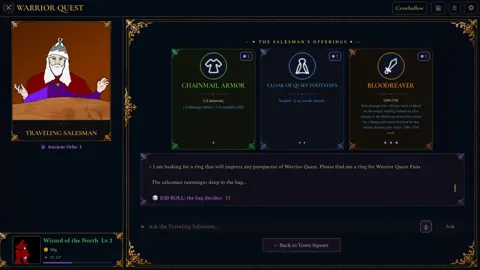 Warrior Quest Trailer Breakdown: AI Diplomacy, Release DateWatch the Warrior Quest trailer breakdown: free-form goblin diplomacy, three classes, offline AI, and the November 13, 2026 launch on PC, Mac and Linux.
More in Release
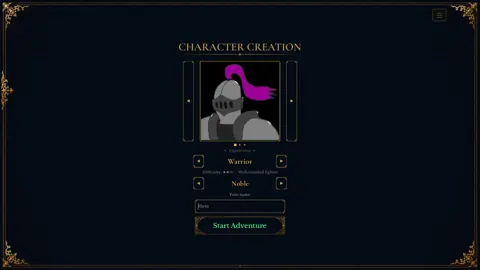
Warrior Quest Demo: What's in Act I and How to Play It
The Warrior Quest demo is Act I of the full game and your save carries over. Here's what's inside, PC and Mac specs, key controls, and tips for launch.
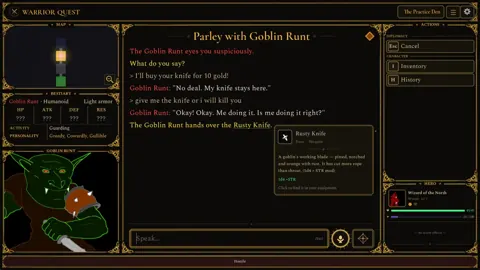
Warrior Quest Release Date: Platforms, Specs & Free Demo
The Warrior Quest release date is November 13, 2026. Get platforms, PC and Mac requirements, demo save carryover, and how its offline AI diplomacy works.
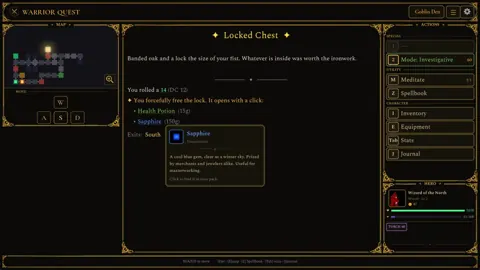
Warrior Quest Steam Release: Launch Date, Specs, and Demo
Warrior Quest hits Steam on November 13, 2026. Get the launch details, PC and Mac specs, demo save carryover, and how its say-anything AI diplomacy works.
Continue exploring
Warrior Quest Controls: Full Keybind and Voice Input Guide
Master Warrior Quest controls with every keyboard shortcut, voice input tip, and reroll key from the demo. Learn them before your first goblin parley.
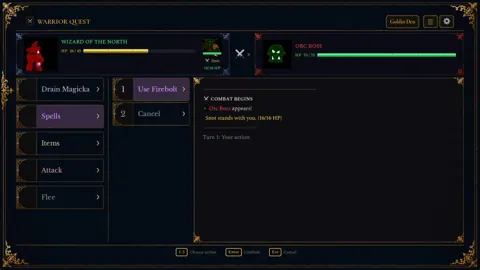
Warrior Quest Exploration Modes: Stealth vs Investigative
Warrior Quest exploration modes explained: how Balanced, Stealth, and Investigative change sneaking, trap spotting, and pacing. Learn when to use each.
Join the community
Official channels for news, updates and player help: