Coming soon · Release date: November 13, 2026
UpdatedWarrior Quest Exploration Modes: Stealth vs Investigative
Warrior Quest exploration modes explained: how Balanced, Stealth, and Investigative change sneaking, trap spotting, and pacing. Learn when to use each.
Jump to
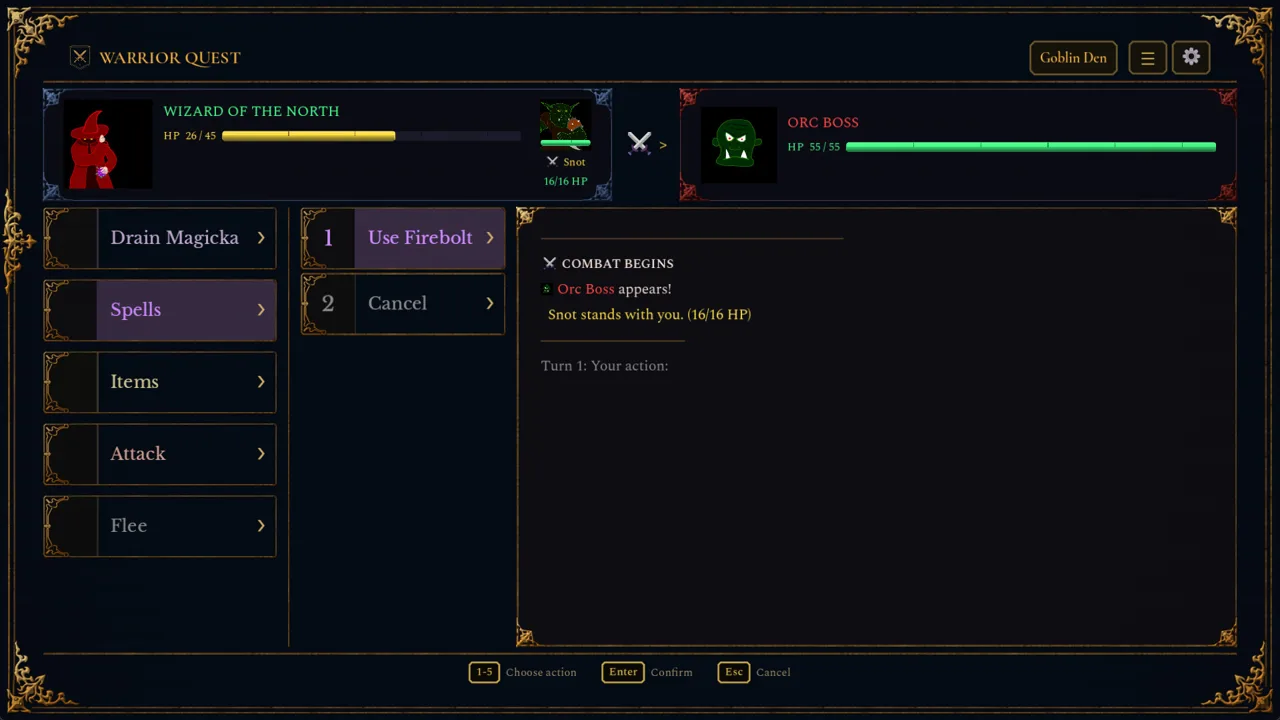
Every step through a dungeon in this dark-fantasy crawler is a gamble. A goblin might spot you, a trap might take a chunk of your health, or a chest might be rigged. Warrior Quest exploration modes let you decide how your hero moves through those rooms. The choice changes which threats you avoid and which ones you walk straight into. Demo Update 1.5 added the system, and picking the right mode for each stretch of the dungeon saves you rerolls, health, and the occasional awkward goblin conversation.
How to Switch Modes
Open the Special menu and press the Mode button. You can pick from three options:
- Balanced
- Stealth
- Investigative
You can switch modes while you explore, so you don't have to commit to one for the whole delve. The Beginner's Guide also has an Exploring chapter, which is worth a quick read on your first character.
Balanced, Stealth, and Investigative Compared
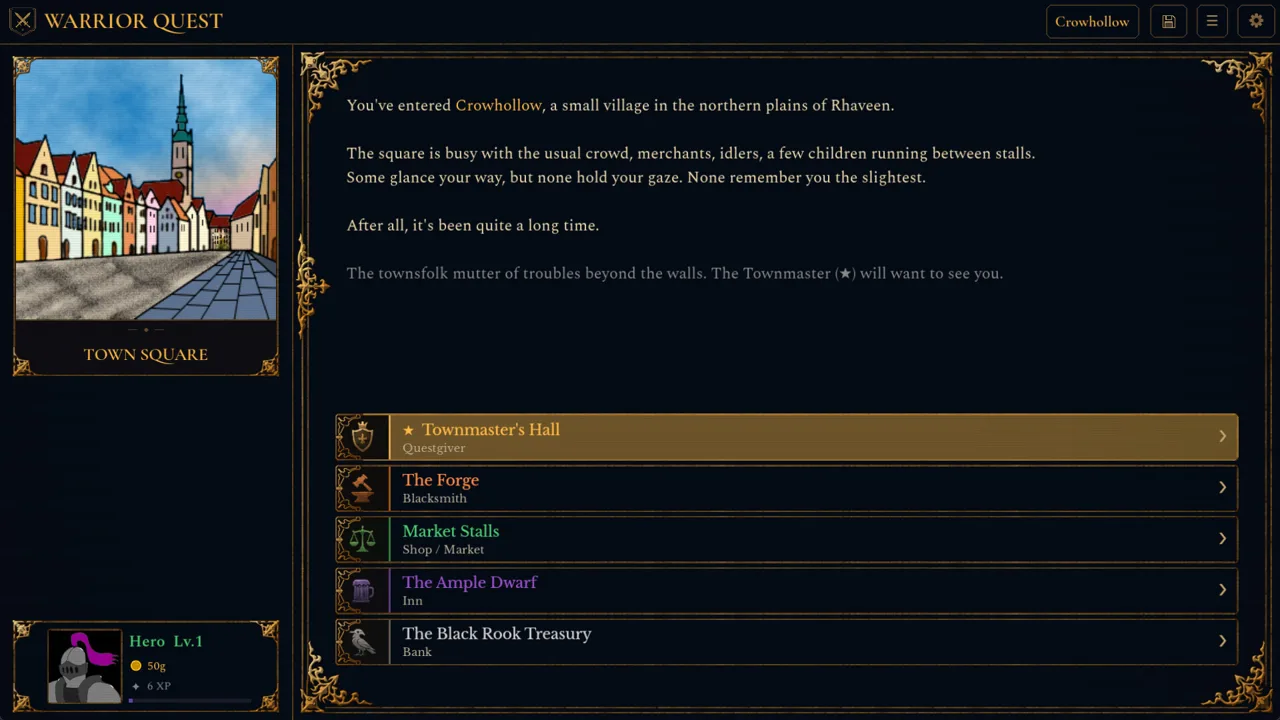 Image: Steam / Wizard of the North
| Mode | What it does | Trade-off |
|---|---|---|
| Balanced | Standard movement with no automatic sneaking or extra trap searching | No extra time per step |
| Stealth | Automatically attempts to sneak past creatures | Takes more time per step |
| Investigative | Helps you spot traps | Takes more time per step |
Stealth and Investigative both slow your pace, so neither one is free. Use Balanced in rooms you've already cleared or explored, and save the slower modes for unknown territory.
Stealth Mode: Slipping Past Creatures
Stealth makes a sneak attempt every time you come across a creature, and you don't have to trigger it yourself. A successful roll lets you slip past without a fight. That fits the game's design, since much of the adventure can be completed peacefully.
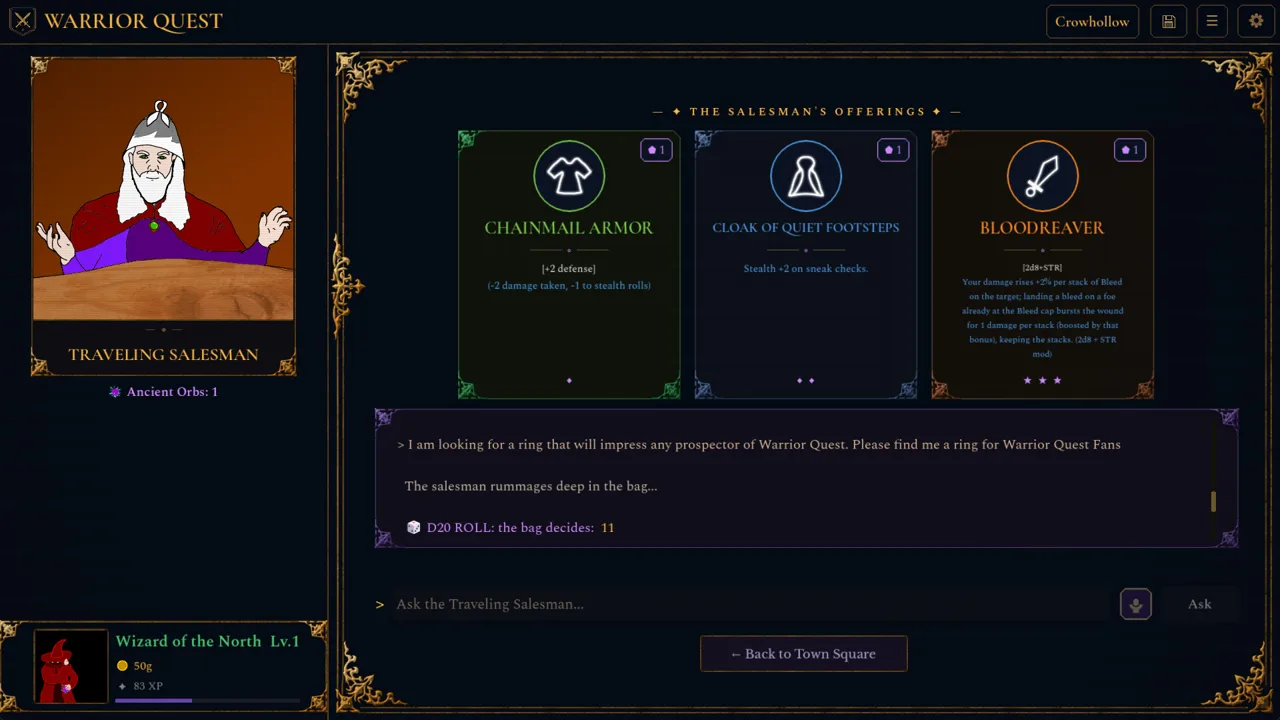 Image: Steam / Wizard of the North
A failed sneak doesn't automatically start a fight. Creatures that catch you in Stealth can challenge you before combat begins. This drops you into the free-form diplomacy system, where you type or speak whatever you want: bluff, bribe, threaten, or claim you're someone else entirely. The game tracks what you say and agree to, and the dice decide whether it works.
Tips for Stealth runs:
- Keep rerolls for important checks. If a roll fails, press Reroll or hit Backspace to try again. Accepting a result keeps your reroll for later.
- Stock up on rerolls in town. Listen to rumors at the Ample Dwarf. Every five rumors earns a reroll, and every ten raises an attribute.
- Have a story ready. If you get caught, a convincing explanation can turn a lost sneak roll into a peaceful exit or even a new ally.
Investigative Mode: Traps and Chests
Investigative mode is your trap detector. Turn it on when you enter unfamiliar corridors or rooms where you expect loot. Since Demo 1.10, trapped chests no longer spawn directly beside other traps, but they still exist.
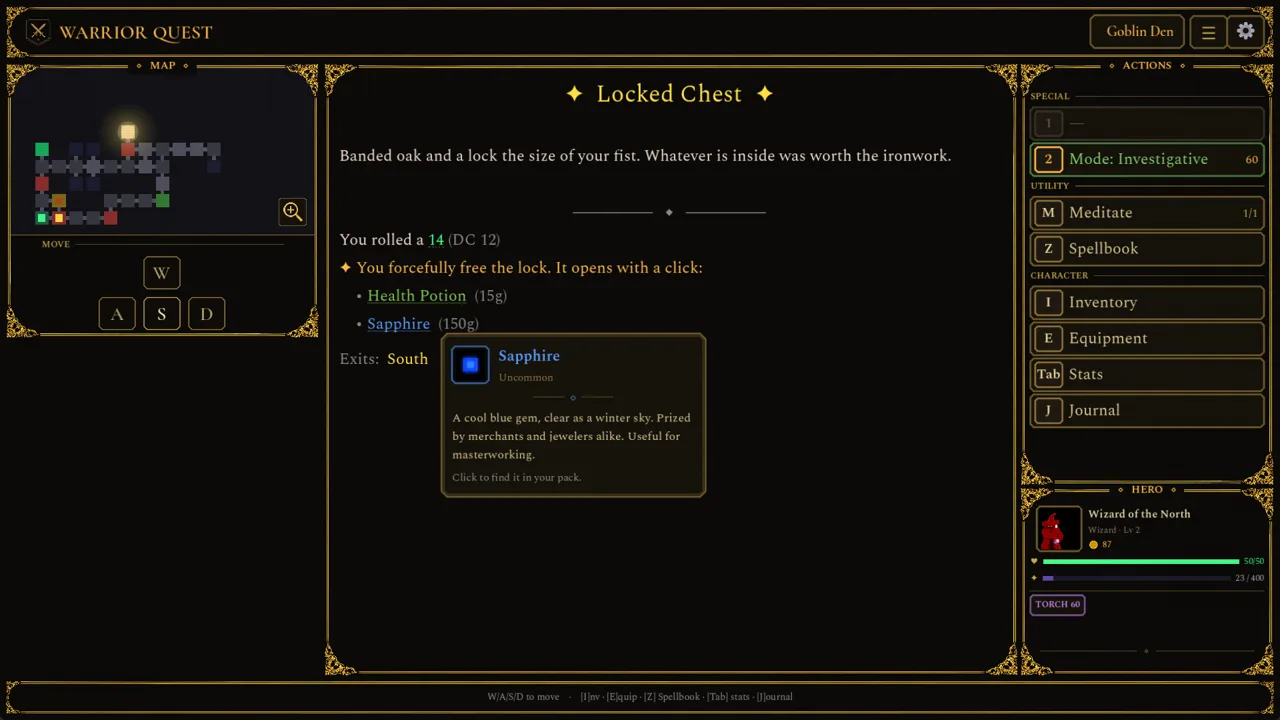 Image: Steam / Wizard of the North
Update 1.11 made the related rolls easier to read. Traps, chests, conversations, and road encounters now each get a clear dice-roll card. Locked-chest cards also show the method you chose, the difficulty, and how many lockpicks you have left. Check that lockpick count before you commit to forcing a lock deep in a dungeon.
Where the Modes Matter Most
Update 1.5 also reworked the Goblin Den. Its layouts now have more varied rooms, branching paths, and loops, so you'll often cross the same ground twice. Switch to Balanced on the second pass through a looped section, and keep Stealth or Investigative for the branches you haven't scouted yet.
The same patch added interactive flavor rooms with more things to discover, collect, and disturb. These are good places to slow down. Some other features help you keep track of a sprawling map:
- Large minimaps scroll smoothly as you explore.
- The Journal (J) lists quest objectives and gives each discovery its own entry.
- When you leave through a dungeon's entrance, a summary flags any unfinished objectives. If it shows missed goals, head back in before you return to town.
- The market stocks two torches per restock, so buy them before long delves.
Trying It Yourself
The free demo covers Act I of the full game and takes about an hour. Your save carries over to the full release. You can use all three modes with any class, whether you play a Warrior, Thief, or Wizard. Your class shapes your toolkit, but anyone can sneak, talk, or fight. The full game launches on November 13, 2026, for Windows, macOS, and Linux. You can grab it or the demo on the Warrior Quest Steam store page.
Continue with
 Warrior Quest Guide: Classes, Diplomacy, and Demo TipsOur Warrior Quest guide to classes, AI diplomacy, rerolls, exploration modes, and PC specs, so you can talk, sneak, or fight your way through Crowhollow.
More in Guide
Warrior Quest Achievements: Full List, Rarity & Unlock Tips
Discover all Warrior Quest achievements from the demo, how rare each one is, and unlock tips for Blood Shrines, the Goblin Runt, and 20-point attributes.
Warrior Quest Controls: Full Keybind and Voice Input Guide
Master Warrior Quest controls with every keyboard shortcut, voice input tip, and reroll key from the demo. Learn them before your first goblin parley.
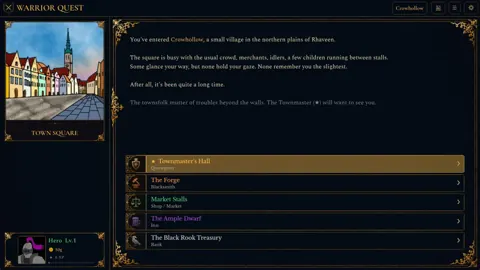
Warrior Quest Dice Rolls: How Checks, DCs and Rerolls Work
Learn how Warrior Quest dice rolls decide diplomacy, traps, chests and road encounters, plus how rerolls, DCs and attribute modifiers swing each d20 check.
Warrior Quest Diplomacy Guide: Bribe, Bluff, and Recruit
Master Warrior Quest diplomacy: how free-form talk, dice rolls, bribes, threats, and recruiting work, plus tips to talk your way past goblins and bosses.
Continue exploring
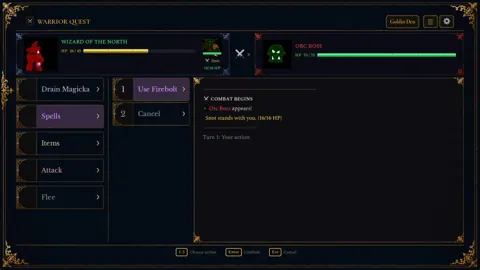
Warrior Quest Dungeons Guide: Goblin Den to Pirate Hideout
Explore Warrior Quest dungeons from the tutorial to the Goblin Den and pirate Hideout. Learn how to talk, sneak, loot, and fight your way through Act I.
Warrior Quest Traps: How to Spot, Disarm, and Survive Them
Warrior Quest traps reward careful delvers. Learn how Investigative mode, trap rolls, lockpicks, and rerolls work so you clear every dungeon in one piece.
Join the community
Official channels for news, updates and player help: