Coming soon · Release date: November 13, 2026
UpdatedWarrior Quest Lockpicks: How to Open Locked Chests Safely
Warrior Quest lockpicks decide whether a locked chest opens cleanly or gets smashed. Learn how the chest card, rerolls, and trap checks work underground.
Jump to
How Locked Chests and Lockpicks Work
Some chests in this game are locked, practically daring you to try your luck. Warrior Quest lockpicks are your clean way into those boxes. Get careless with a lock and you can wreck the loot you came for. In a roguelike where every potion and coin counts, knowing how the lock system works is worth a few minutes before your next delve.
When you reach a locked chest, the game brings up a roll card instead of opening it right away. Like the rest of the game's checks, it runs on a d20. As of Demo Update 1.11, that card shows three things at a glance:
- The method you chose for getting in
- The difficulty of the check
- How many lockpicks you have left
Before you commit, there is a lockpick checkbox on the card. Update 1.10 made that checkbox easier to see, so you are less likely to miss it and fall back on brute force by accident.
| Update | Release date | What changed for locks and chests |
|---|---|---|
| Demo Update 1.10 | October 16, 2026 | Lockpick checkbox made more visible; trapped chests no longer spawn right beside other traps |
| Demo Update 1.11 | October 18, 2026 | Locked-chest cards show chosen method, difficulty, and remaining lockpicks; clearer dice-roll cards for traps and chests |
Picking vs. Smashing
If you skip the picks, you can still force your way in, but there is a cost. Smashing a locked chest open damages what's inside. You'll still get through the lid, but some of the reward can be ruined in the process.
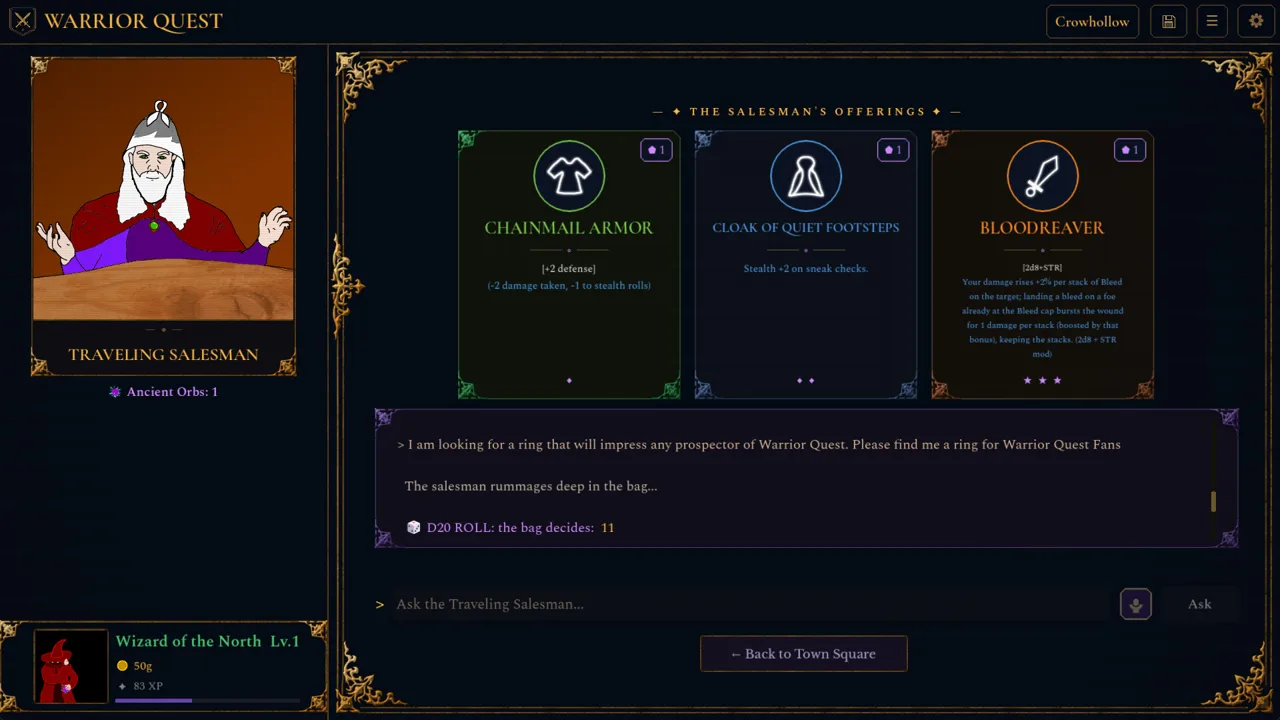 Image: Steam / Wizard of the North
That trade-off is the whole point of carrying lockpicks:
- Pick the lock when you want the contents intact and you have picks to spare.
- Smash it only when you're out of picks and would rather have damaged loot than none at all.
Check the remaining-lockpicks count on the card every time. Running dry halfway through a dungeon means every later chest becomes a smash-or-skip decision. Once a chest is open, hover over loot names to preview their descriptions and stats before deciding what to keep, a feature added in Update 1.4.
Use Rerolls on Failed Lock Checks
Locked chests use the same dice-roll cards as conversations, traps, and road encounters. That means the reroll system added in Major Update 1.6 applies here too. If a roll fails, you can spend a reroll to try again:
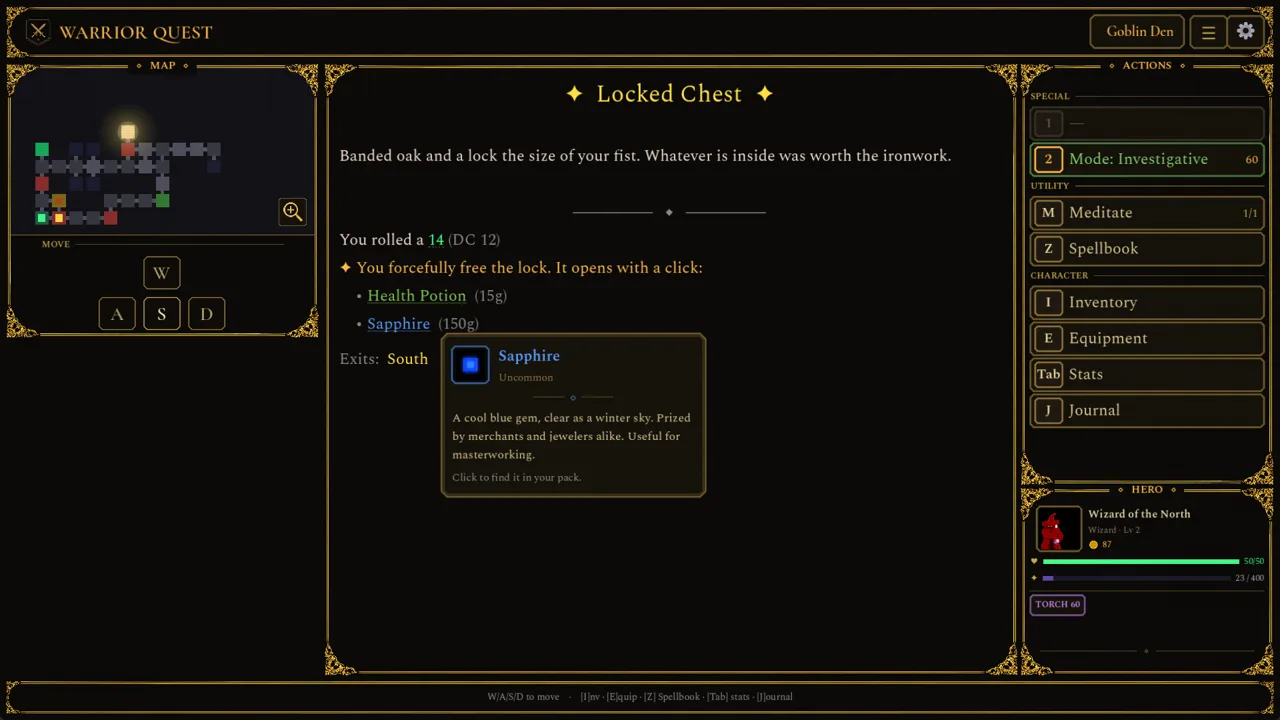 Image: Steam / Wizard of the North
- Click Reroll or press Backspace to roll again.
- Accepting the result keeps your reroll banked for later.
- The reroll card tracks how many you have.
Earn rerolls by listening to rumors at the Ample Dwarf tavern. You get one reroll for every five rumors, and an attribute increase for every ten. Save your rerolls for chests whose contents you really want rather than burning them on a trivial check.
Watch for Trapped Chests
Not every chest is just locked. Some are trapped, and the game gives traps and chests their own clear roll cards. To lower the risk:
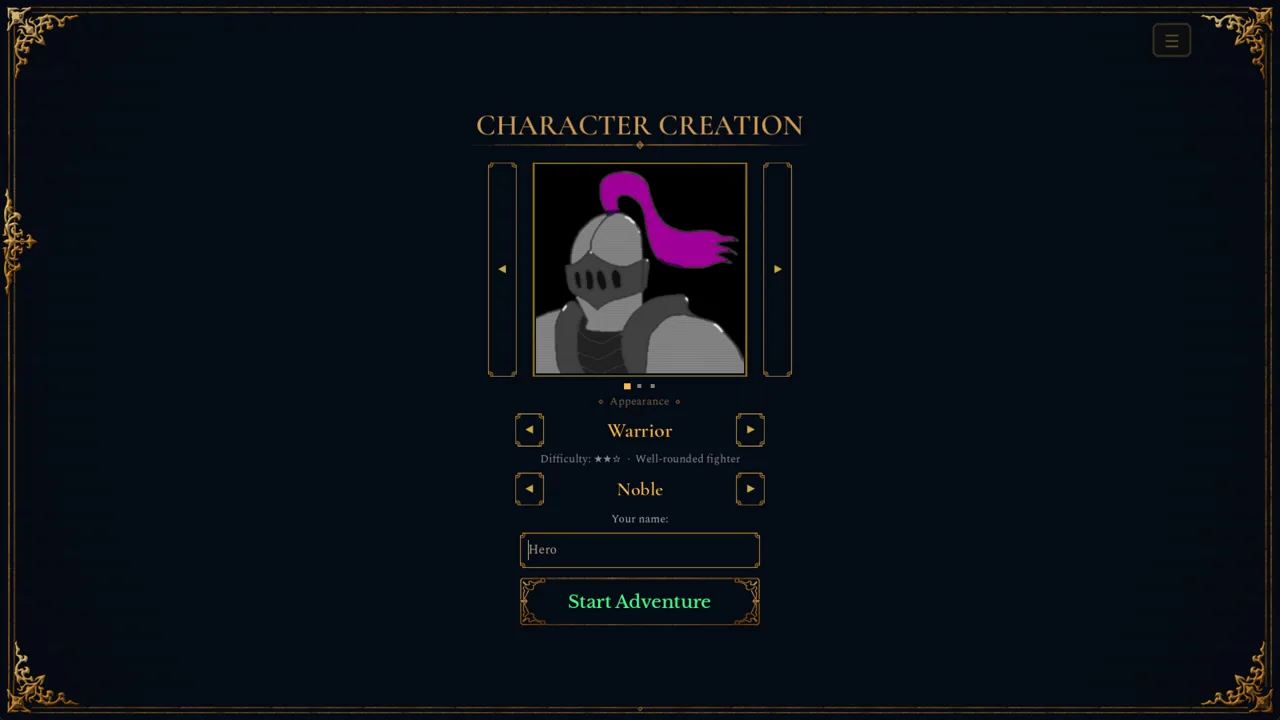 Image: Steam / Wizard of the North
- Switch to Investigative mode from the Mode button under Special. It helps you spot traps, though each step takes more time.
- Use Stealth mode if you'd rather slip past the creatures guarding a treasure room. It automatically tries to sneak past them, again at the cost of extra time per step.
Pair Investigative mode with a healthy stack of lockpicks whenever you explore unfamiliar rooms. Since Update 1.10, a trapped chest also won't sit directly beside another trap, so clearing one hazard doesn't mean a second one is waiting right next to the lid.
Try It in the Free Demo
You can practice all of this right now. The free demo covers Act I of the full game, runs about an hour, and your save carries over to the full release on November 13, 2026. Grab it on the Warrior Quest Steam page. It's available for Windows, macOS, and Linux.
Continue with
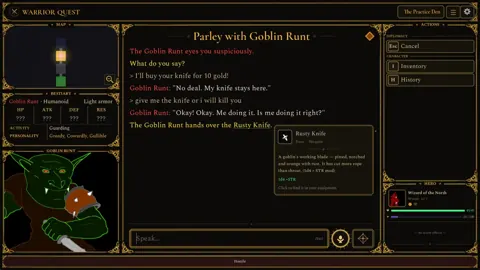 Warrior Quest Sword Guide: Upgrades, Abilities and TipsGet more out of your Warrior Quest sword: forge upgrades, the merchant blade that doubles your damage dice, Focus Strike, Victorious Slash, and more.
More in Items
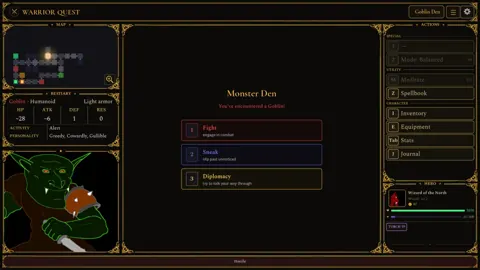
Warrior Quest Armor Guide: Gear, Forge Upgrades and Loot
Warrior Quest armor explained: starting gear, forge upgrades, the traveling salesman's rarity cards, and how to loot or bargain your way to better gear.
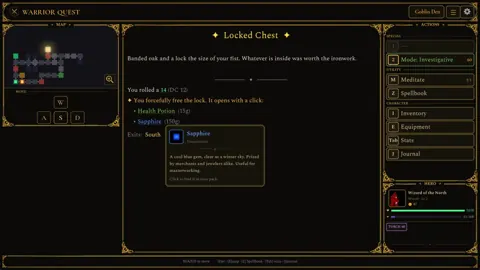
Warrior Quest Best Weapons: Early Tier List for Act I
Warrior Quest best weapons ranked: the 2d8 Keen Strike weapon, forge-upgraded swords, hard-hitting abilities, and the dirty tricks that win Act I fights.
Warrior Quest Charms Guide: Rings, Trinkets and Merchants
Warrior Quest charms guide: where to find rings, necklaces and trinkets at the forge and the wandering merchant's wagon, plus loot tips. Then roll well.
Warrior Quest Chest Guide: Locks, Traps, and Loot Tips
Every Warrior Quest chest is a dice roll. Learn how locked and trapped chests work, when to smash or pick a lock, and how rerolls save your best loot.
Continue exploring
Warrior Quest Reddit: Community Hub, Feedback and Updates
Join the Warrior Quest Reddit community at r/WarriorQuest: share runs, report bugs, and catch demo patch news before the November 13, 2026 Steam launch.
Warrior Quest YouTube: Trailers, Channel & Demo Highlights
Warrior Quest YouTube guide: find the official channel, every trailer, what the reveal shows, and tips for recording your own runs. Then play the demo.
Join the community
Official channels for news, updates and player help: