Coming soon · Release date: November 13, 2026
UpdatedWarrior Quest Skills Guide: Abilities, Attributes & Rolls
Master Warrior Quest skills: how abilities, attributes, rerolls and diplomacy shape your Warrior, Thief or Wizard build. Start planning your hero today.
Jump to
How Skills Work in Warrior Quest
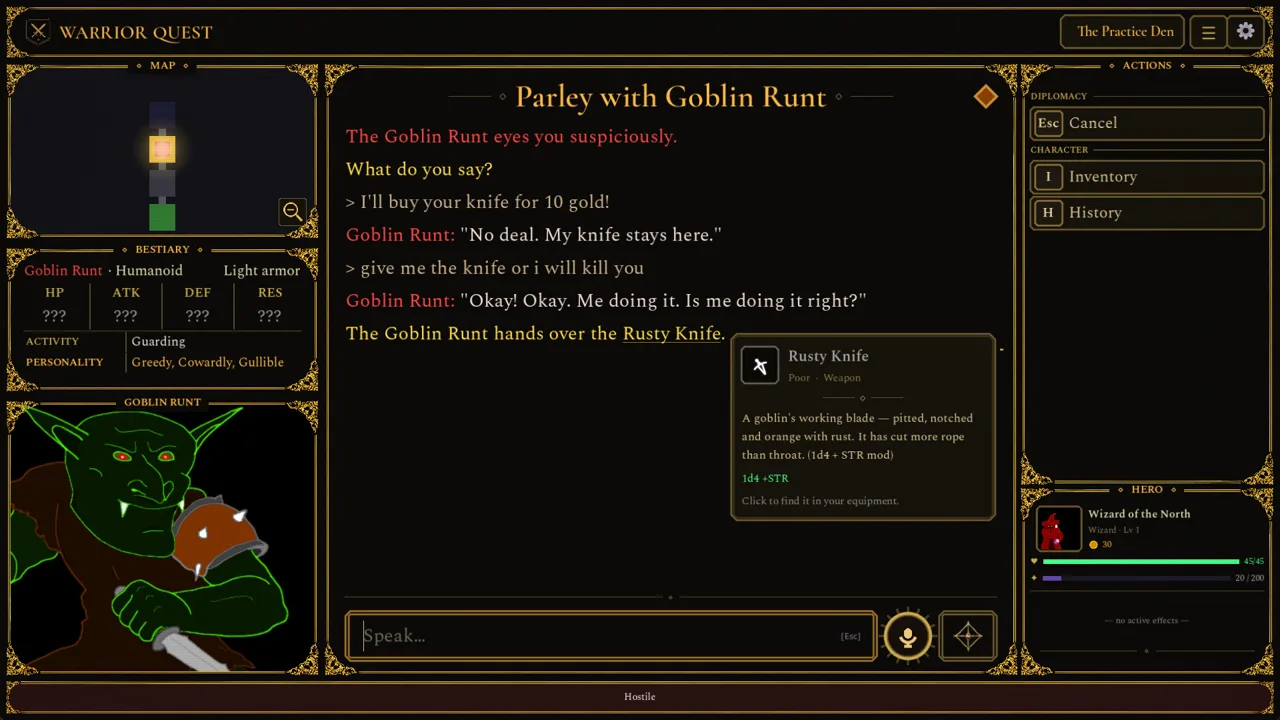
The dice decide what works in this dungeon crawler, and an animated 3D d20 brings each roll to life, so your build shapes how often you succeed. Understanding Warrior Quest skills means looking at four layers: your class abilities, your five attributes, your exploration style, and the way you talk to creatures. The game tracks your abilities, gear and deals, and the dice settle the outcome.
You pick one of three classes:
- Warrior
- Thief
- Wizard
Each class has its own abilities, preferred equipment and way of handling danger. Your class does not lock your personality, though. A Warrior can still negotiate, and a Wizard can still pick a fight. Any class can bargain, deceive, show mercy, recruit allies or choose violence. Plan your build around how you want to win encounters, not around how you want your hero to behave.
Class Abilities and Spells
Combat abilities sit in their own action list, and the Wizard's version of that panel is labeled Spells instead of Abilities. Two named abilities have received specific changes during the demo:
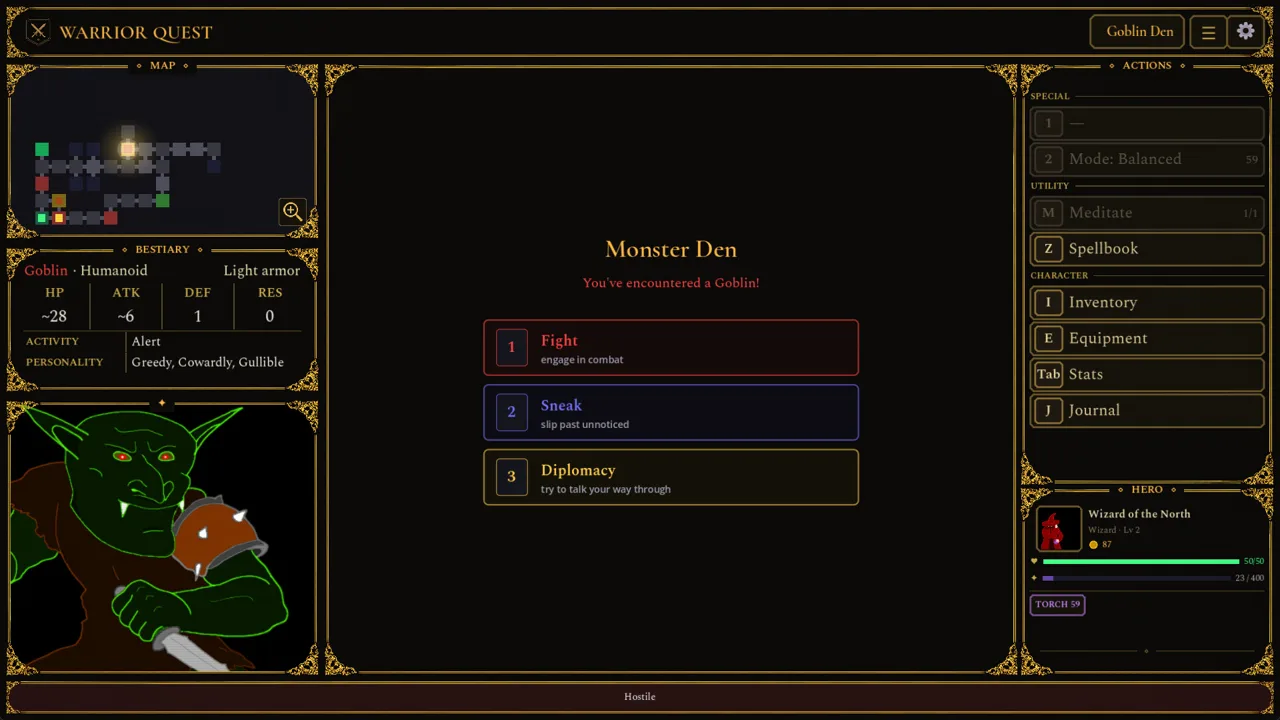 Image: Steam / Wizard of the North
- Razor Strikes hits for 150% damage, and a critical hit applies a second Bleed stack. This makes it a strong opener against tough targets that will stay in the fight long enough for Bleed to matter.
- Victorious Slash got its own finishing-strike animation in Demo Update 1.11a.
Expect enemies to act before you sometimes. Enemy opening attacks now show up as Turn 0, separate from your first turn. Keep your health topped up before you push into a new room so a surprise hit doesn't decide the fight.
If you're carrying consumables, the Scroll of Magic Missile is worth 8 gold, so selling it is an option when you don't need the extra damage.
Attributes and Leveling Up
Warrior Quest uses five attributes: STR, DEX, INT, WIS and CHA. When you level up, you choose between new abilities and attribute increases. Since Demo Update 1.11, these choices use colored cards so you can tell abilities and attributes apart at a glance. Hover over or focus a card to see the full rules text.
Modifiers follow tabletop logic. A score of 9 gives a −1 modifier, so an odd score below 10 still hurts your rolls. Raise any attribute sitting at 9 to 10 to remove the penalty.
The upgrade formerly called Enhance Skill is now Enhance Attribute.
Free Attribute Points From Rumors
Listening to rumors at the Ample Dwarf tavern pays off:
- Every 5 rumors you listen to earns a reroll.
- Every 10 rumors grants an attribute increase.
Listen to rumors whenever you're in town.
Rerolls: Your Safety Net
Failed a check? Spend a reroll by clicking Reroll or pressing Backspace. If you accept the roll instead, your reroll stays banked for later. A reroll card keeps track of how many you have left.
 Image: Steam / Wizard of the North
Save rerolls for the moments that can change a run, such as a failed bluff against a dangerous creature.
Exploration Modes and Utility Skills
Under Special, the Mode button switches how your hero moves through a dungeon:
| Mode | What it does | Trade-off |
|---|---|---|
| Balanced | Standard exploration | — |
| Stealth | Automatically tries to sneak past creatures | Takes more time per step |
| Investigative | Helps you spot traps | Takes more time per step |
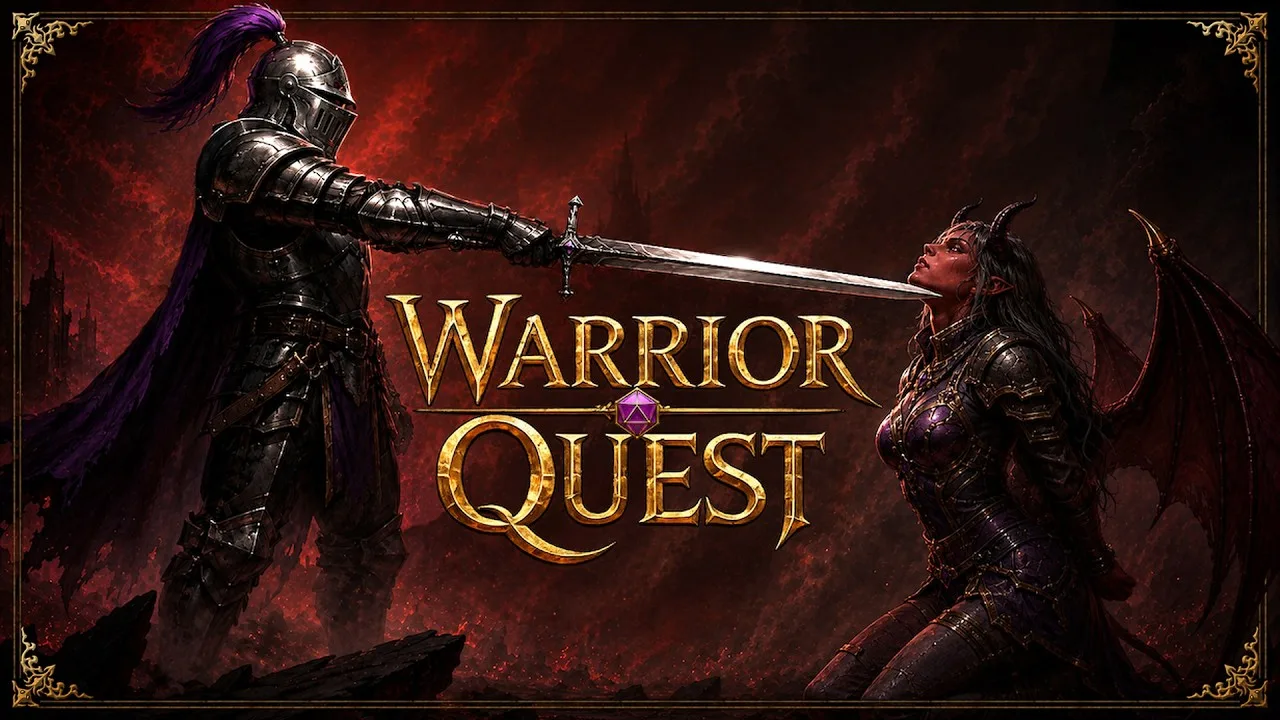
Creatures that catch you in Stealth mode can challenge you before combat starts, which gives you a chance to talk your way out of it. Switch to Investigative in trap-heavy corridors, and to Stealth when you want to skip fights entirely.
A few other utility systems matter for your build:
- Lockpicking: Locked-chest cards show the method you chose, its difficulty, and how many lockpicks you have left. The market restocks two torches at a time, so stock up before long delves.
- Animal Handling: A successful check now gets its own narration.
- Poison: The first time you're poisoned, the game hints at antidotes. Carry one from then on.
Diplomacy as a Skill Set
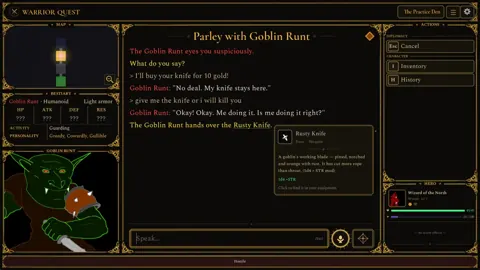
Talking is a full build path in Warrior Quest, not a side feature. You type or speak your own words, and the game turns them into rolls. The diplomacy system supports:
- Bribes, threats, flattery and refusals
- Contests and wagers, including riddles
- Gaslighting and identity claims
- Promises and debt
- Recruiting companions
Threats can earn standing with the Orc Boss, and asking "Take me to your boss" triggers a roll instead of being treated as small talk. A mood indicator shows how a creature feels during the conversation, and you can press Tab to check your character sheet mid-conversation. Use that to confirm your modifiers before you commit to a risky bluff.
Watch your phrasing when you haggle. Refusing to pay is read as a refusal, not as a 0-gold bribe.
Companions and Gear
Recruited companions carry their own gold and items, including the belongings they bring with them and any gifts you give them. You can set their Rations and Combat Style from their menu, and the Beckon button (or B) brings a waiting ally along. Fallen companions are remembered where they died, and their recovered belongings show up on the victory card.
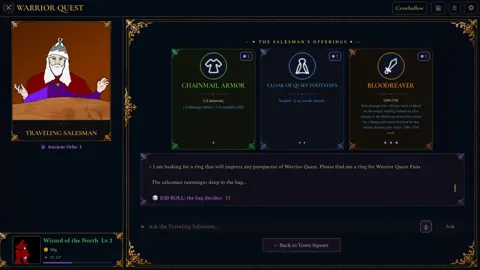
The forge in town offers equipment upgrades, and the salesman's item cards use rarity colors and symbols so you can compare gear quickly.
Try Your Build in the Demo
The free demo covers Act I, runs about an hour, and your save carries over to the full game. It's a low-risk way to test a Warrior, Thief or Wizard before committing. The full release launches on November 13, 2026 for Windows, macOS and Linux. You can grab the demo and the full game from the Warrior Quest Steam page.
Continue with
 Warrior Quest Spellbook Guide: Wizard Spells and TipsLearn how the Warrior Quest spellbook works for the Wizard class, from combat spell lists and level-up cards to scrolls, rerolls, and smart attribute tips.
More in Builds
Warrior Quest Best Build: Classes, Attributes & Rerolls
Find the Warrior Quest best build for launch: pick between Warrior, Thief, and Wizard, spend attributes wisely, and stack rerolls before the hard rolls.
Warrior Quest Classes: Warrior, Thief, and Wizard Guide
Pick the right Warrior Quest classes for your run. See how the Warrior, Thief, and Wizard play, which attributes matter, and how to build your first hero.
Warrior Quest Stats: Attributes, Modifiers & Rerolls Guide
Warrior Quest stats explained: how STR, DEX, INT, WIS and CHA modifiers work, how to raise attributes at the Ample Dwarf, and which rare feats to chase.
Join the community
Official channels for news, updates and player help: